What the interface actually looks like, what to do when a panel dies,
the user manuals of LK Up and LK On, and the free tools that help meanwhile. Every
screenshot below is the real interface, unretouched; LK Up's screens are on
its own page.
All guides — jump straight to oneAll 37 guides37 guides
Real screensThe interface
Real screens, explained
These are LK On, the backup touchscreen: the same interface
runs on the device's own screen and in any browser on the plant network. Click any
screenshot to zoom. The maintenance system's screens — technician, manager, administrator
and the iPhone app — are in the LK Up gallery.
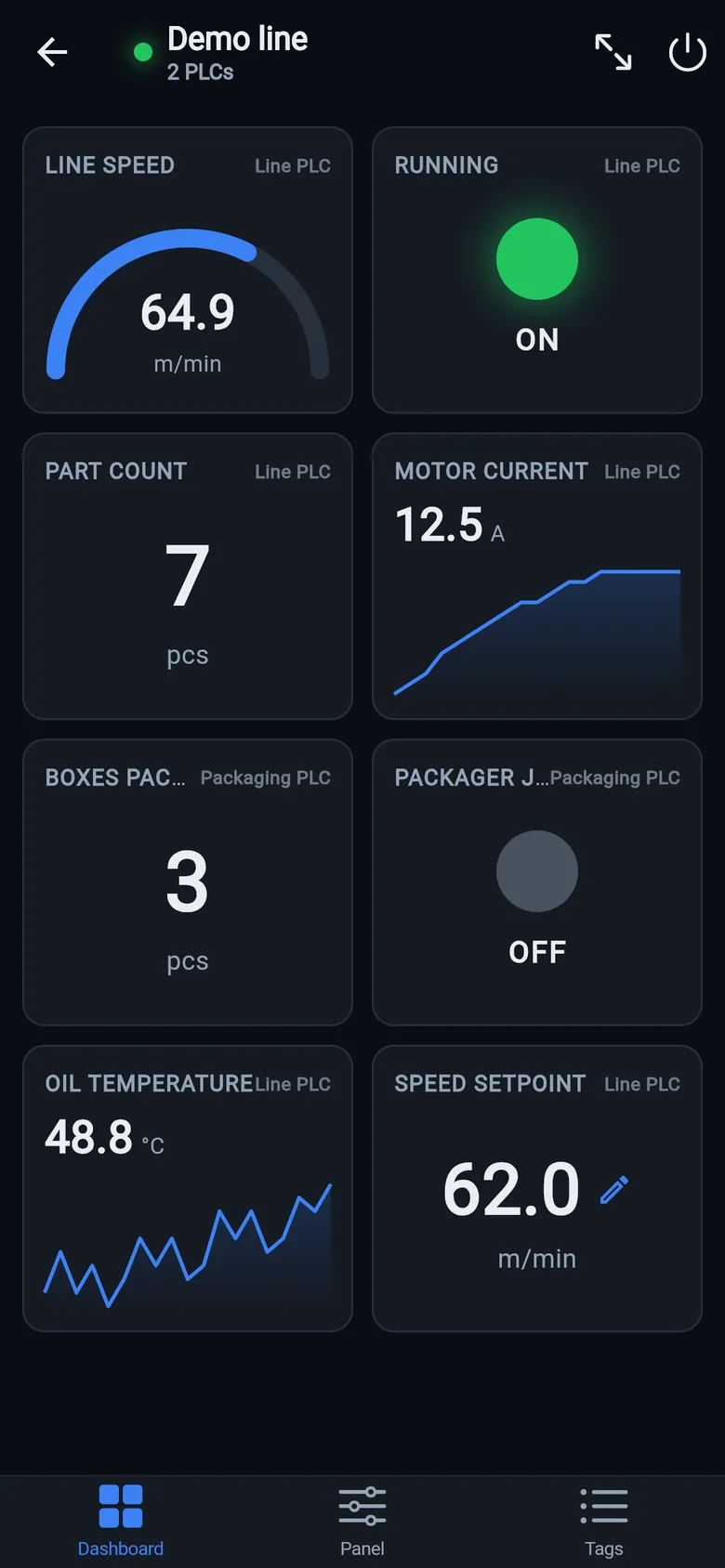
Dashboards. Pick the tags worth keeping and LineKeeper logs them on
change — charts, gauges, counters and uptime, from 15 minutes to 30 days back, with CSV
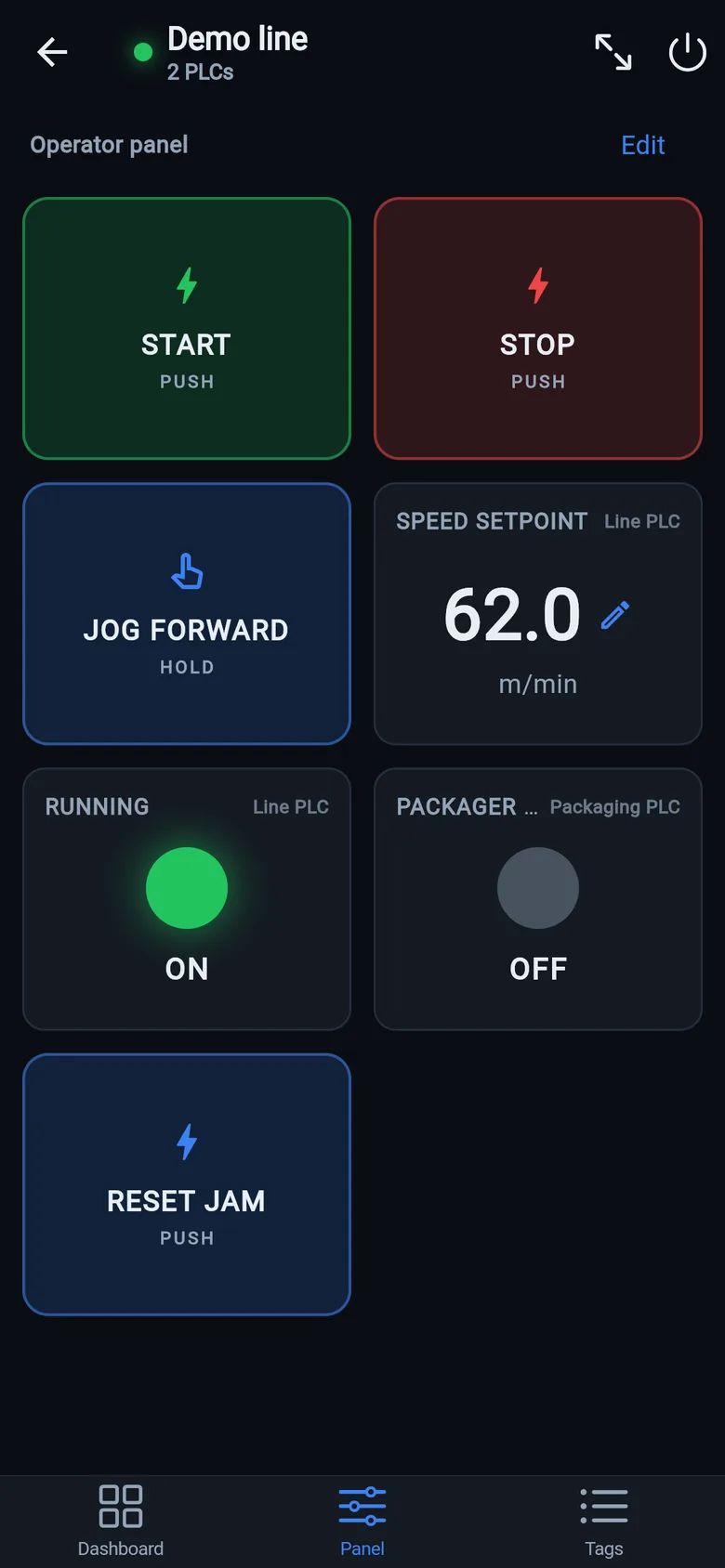
export. This is 24 hours of a bottling line.Operator panel. The screen the operator actually needs: start/stop,
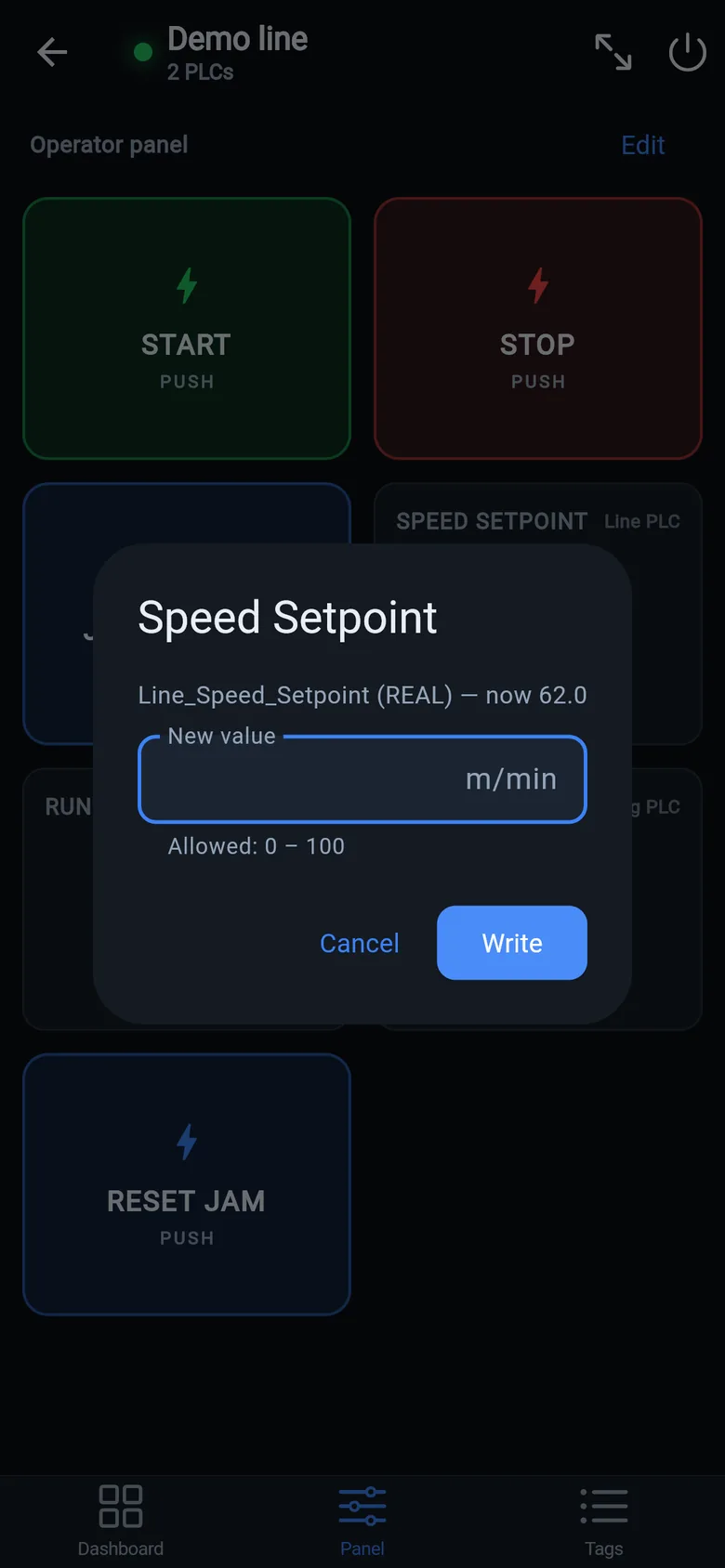
hold-to-run jog, indicators and setpoints — assembled by drag-and-drop, no programming.
Buttons release if the connection drops — not a safety function.Live diagnostics. Every controller tag with live values, refreshed
twice a second — UDTs unfolded, integers down to single bits. No licensed engineering
software involved.
The touchscreenTab by tab
On the touchscreen, tab by tab
Captured the way LK On's own screen shows it — full screen on the
10″ panel, no desktop and no address bar.
Control Panel. Boots straight into this — the operator never sees a
desktop or a browser address bar.Production dashboard. Counters, rates and trends for the shift —
logged on the device, no server anywhere.Downtime analytics. Uptime %, stop counts and cycle statistics
computed from a single run/stop tag.
Deeper toolsPLC · storage · editor
The deeper tools
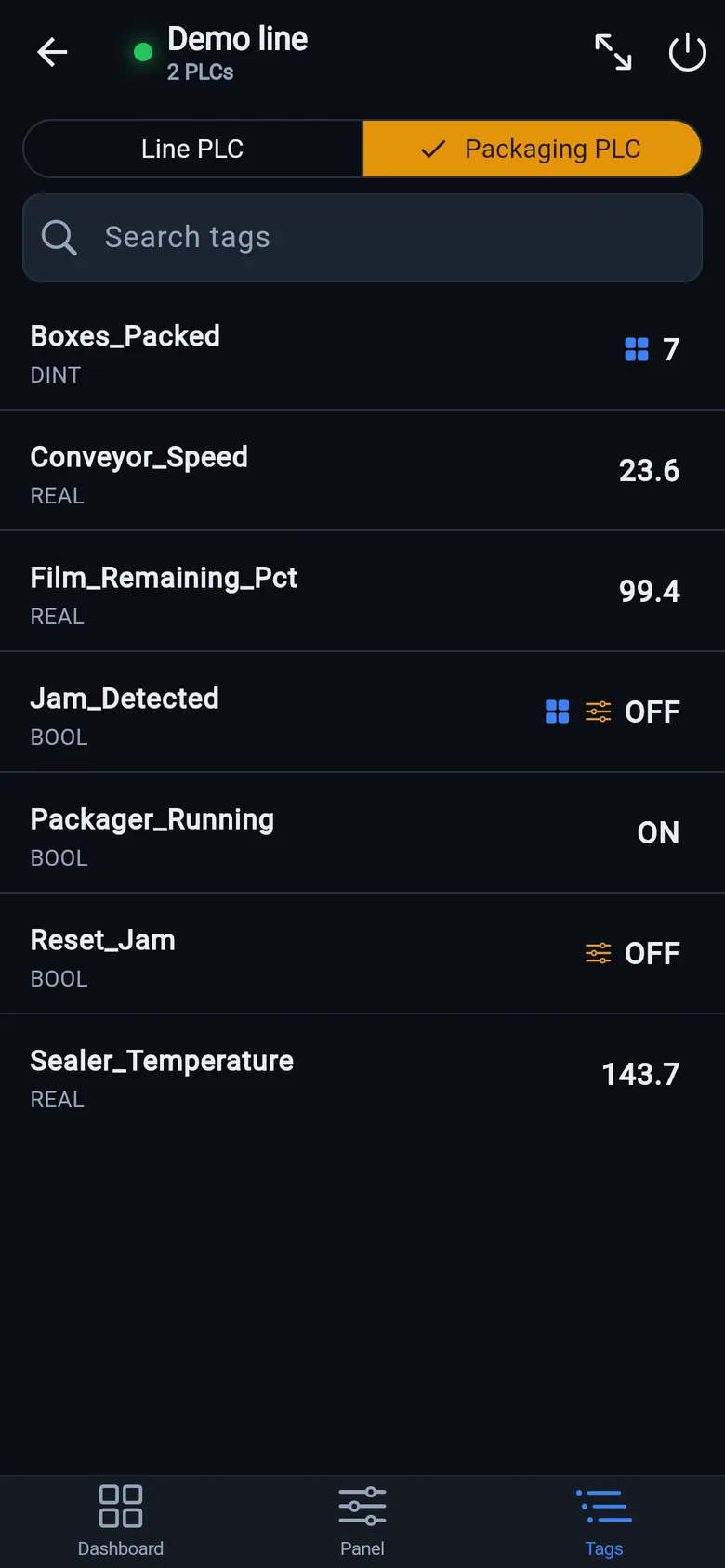
PLC tab. The whole controller at a glance — every tag, live, with
search. Writes are role-guarded and audit-logged.Recording. Everything the device records — raw for 30 days,
hourly for a year, daily for 5 years — browsable and exportable.Widget editor. 12 widget types — charts, gauges, counters, uptime —
configured by picking a tag and a time range, not by scripting.
The free appiPhone & iPad
And the free app on your phone
The same idea in your pocket — three protocols (Allen-Bradley,
Siemens S7, Modbus TCP), one network scan, dashboards and an operator panel.
Full app tour →
Every Logix tag, live — read straight from the controller
For maintenance managersWhy, how, and why we built it so
For maintenance managers
Running a maintenance department with LK Up, the free system on your
own PC: each guide says why the thing matters, how to do it, and why we built it the way we did.
The last one is the list of ideas we are looking for testers and sponsors for.
One manual per product, with real screenshots. Both are long pages you can
search and bookmark; the LK Up app also has a ? button on every screen with the
short version.
Upload a FactoryTalk View ME, View Designer, Optix, TIA Portal/WinCC or Weintek
EasyBuilder export — or a tag CSV from Pro-face, GT Designer3, InTouch, Vijeo, Crimson or
Sysmac — and get its buttons, indicators and values back as a LineKeeper Go screen. Runs
entirely in your browser — the file never leaves your computer.
Drop a Studio 5000 export (.L5X) and read the ladder logic — rungs, branches,
timers, real tag names and rung comments — without a Studio 5000 license.
Runs entirely in your browser — the program file never leaves your computer.
How a support call goes with a free bridge in the customer's hands, remote review with
an audit log, and the migration you quote instead of the weekend you lose. Missing a
driver, report or export your customers need? Tell us — we build for integrators.
A dead panel is survivable — start with the free app
The free LK Go app puts live values and operator buttons on a phone in about
15 minutes — build the screen today and it's saved for whenever you need it. The
plug-in device version — 7″ $800 or 10″ $900 — is on preorder: ships within 8 weeks of order, full refund before shipping, 30-day money-back after delivery.
The free mobile app: Allen-Bradley, Siemens S7 and Modbus TCP on iPhone and iPad — with the patent-pending
"Find by action" tag discovery. Free download; Android in closed beta.
Keeping the repair history too? LK Up is a free maintenance system that
runs on your own Mac or Windows PC; technicians work from their phones, offline too.