The three software stacks that actually work on a Pi
| Stack | What it is | Protocols | Honest catch |
|---|---|---|---|
| FUXA | Open-source web SCADA/HMI (Node.js) with a drag-and-drop editor — the closest thing to a real HMI package | Modbus RTU/TCP, Siemens S7, OPC UA, EtherNet/IP, MELSEC, MQTT | You are your own integrator and support line; check driver maturity for your PLC generation before promising anyone anything |
| Node-RED + Dashboard | Flow-based tool with a huge community; dashboards and glue logic in an afternoon | Everything, via community nodes of varying quality | Great at dashboards, weaker as a hardened operator panel; flows grow into unmaintained spaghetti without discipline |
| CODESYS + WebVisu | If the Pi itself is the soft-PLC, the visualization is one click away | Its own runtime's world | Only makes sense on the soft-PLC route; licensed runtime with limits in the free tier |
Myth-bust while we're here: AdvancedHMI is Windows-only — it does not run on a Raspberry Pi, despite what half the forum threads imply.
The real parts list
- Raspberry Pi 4/5, or a used thin client if you don't need GPIO — plus the official 7″ touchscreen or an HDMI panel (10″ class);
- DIN-rail 24 V→5 V supply rated for the Pi's real draw — brownouts corrupt SD cards;
- an enclosure or VESA mount that survives the plant floor;
- boot from SSD or industrial SD — consumer cards die of write wear in logging duty;
- total: roughly $150–$300 in parts. The panel-shaped hole in the budget was never the hardware.
The integration work nobody budgets
This is the honest core of build-vs-buy. Before the screen is trustworthy, someone does: kiosk-mode autostart (browser full-screen, no cursor, no screen blanking), a watchdog that restarts the stack when it hangs, driver quirks per PLC generation (S7 needs PUT/GET enabled and non-optimized DBs for classic access; Logix tag types have edge cases), network hardening so the Pi isn't a bridge into the machine network, an update path that can't brick the screen mid-shift, and a backup image so the next failure is a 10-minute reflash instead of a rebuild. A weekend if everything goes right. A part-time project when it doesn't. If that list sounds fun — genuinely, build it; it works. If it sounds like a second job, that's the honest argument for buying.
Try the idea before you build anything
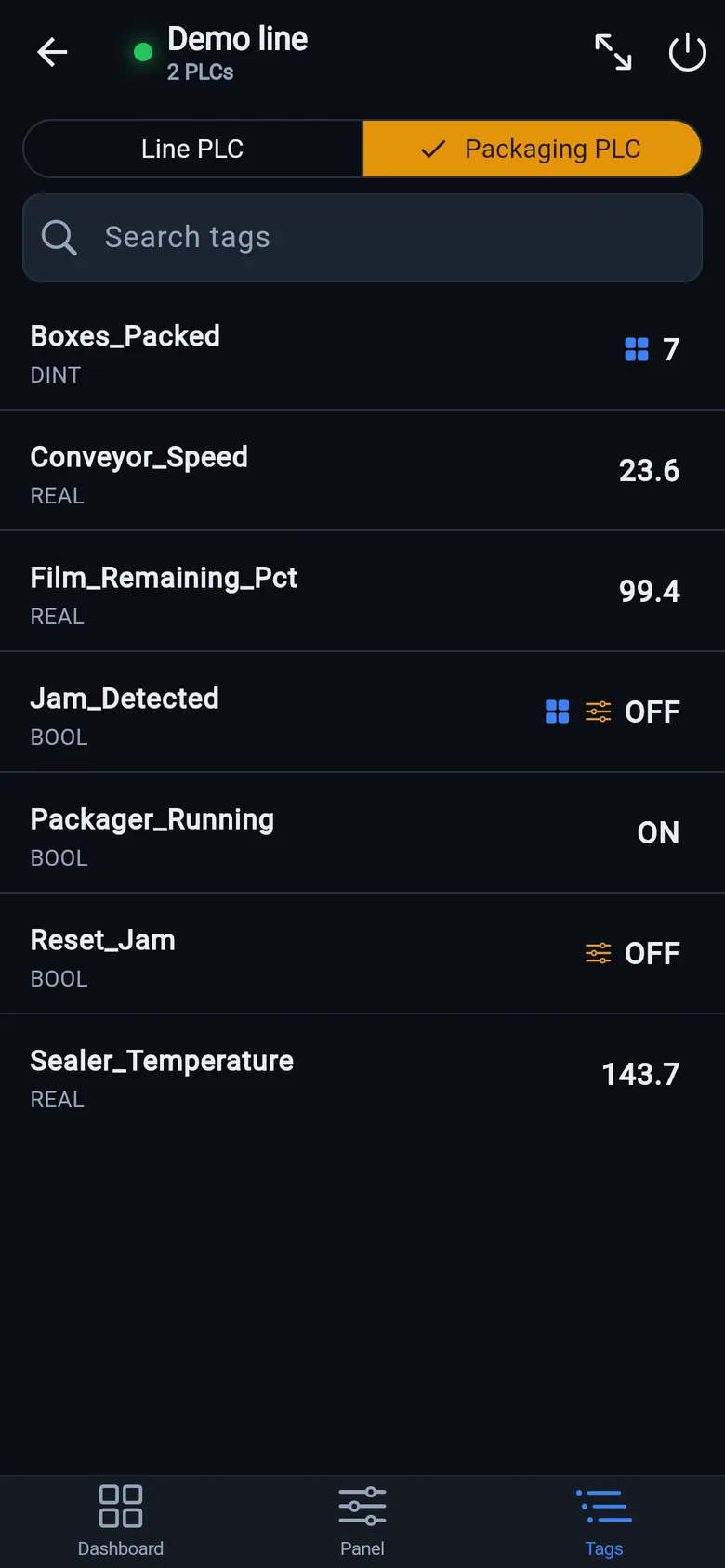
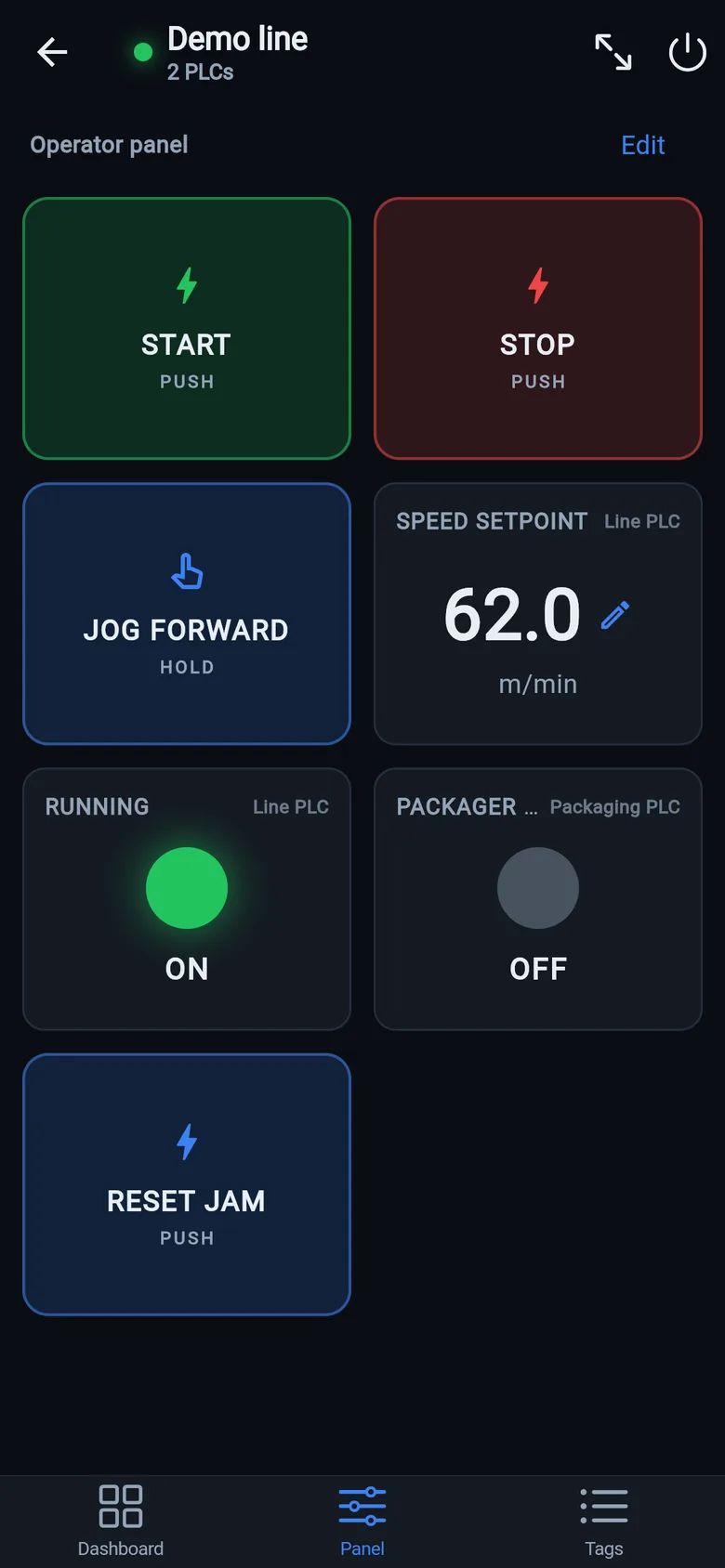
The fastest way to know whether a DIY screen would even satisfy your operators: put the free LineKeeper Go on a phone or iPad on the machine network. It speaks EtherNet/IP, Siemens S7 and Modbus TCP, reads Logix tag lists automatically, and gives you the dashboard-and-operator-panel experience in 15 minutes — much of the experience you'd spend the weekend building. If it covers the need, you've saved the weekend; if you outgrow it, you've prototyped the requirements for free. And LineKeeper On (on preorder) is exactly this recipe — an industrial touchscreen on embedded Linux — with the integration hardening already done.
A temporary screen in minutes
Zero-config tag browser for Logix, drag-and-drop dashboard, operator panel, alarms — no changes to the PLC logic.
 On a desktop? Scan with your iPhone or iPad to get the free app.
For the machine itself: LK On is a self-contained 7″ or 10″ touchscreen built to stand on the machine while the replacement panel is repaired or shipped — the same drag-and-drop screens, plus what a phone shouldn't carry:
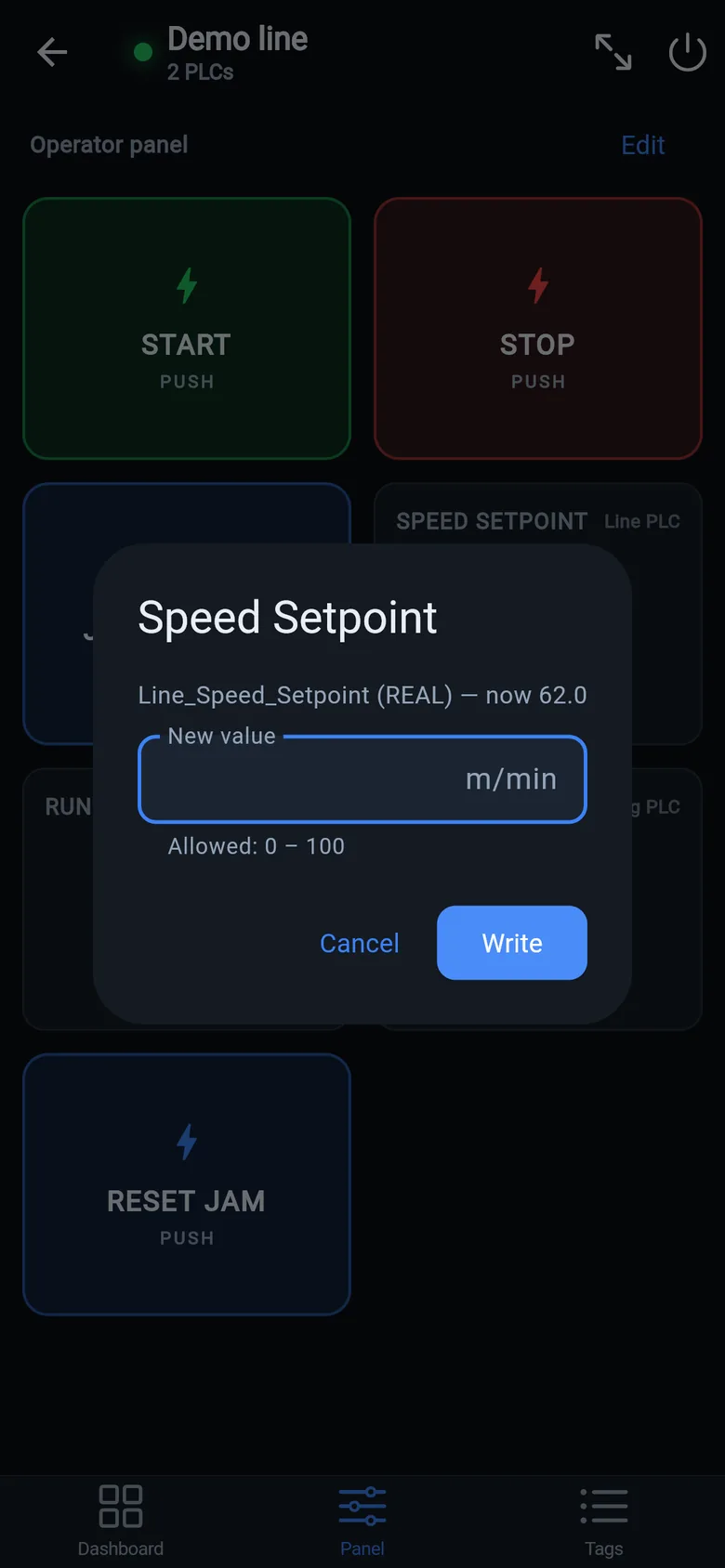
- Live view of every mapped tag, refreshed twice a second — plus per-tag unlocked writes, confirmed and audit-logged
- Operator panel: start/stop, indicators, setpoints — hold-to-run releases when your finger lifts (not a safety function)
- Stays useful after the repair: data logging, dashboards, machine diagnostics
Small hardware that helps while the panel is out: a Wi-Fi bridge or a USB-C Ethernet adapter to get the phone onto the machine network, a pole-mount arm for the temporary screen, an IP67 box for the bridge. What each one is for, and when you don't need it, is on the gear list.