First: prove the PLC is alive (60 seconds)
Look at the controller itself — RUN light on, no fault LED — and ping it from a laptop on the same drop. Or faster: put the free LineKeeper Go app on the same network; it speaks EtherNet/IP, Siemens S7 and Modbus TCP. If the app sees the controller, your PLC and network are healthy and the fault is inside the HMI or its configuration — you've just cut the problem in half.
The universal checklist
| Check | Classic failure | Brand notes |
|---|---|---|
| 1 · Cable and link lights | Re-patched switch, broken lock tab, flooded conduit | All brands equally |
| 2 · IP and subnet | Duplicate IP after a device swap; DHCP surprise after power cycle | Check from the HMI's own network settings, then ping from a laptop |
| 3 · Driver / connection config | Points at the old controller, wrong rack/slot, wrong station | AB: the RSLinx Enterprise shortcut — dedicated PanelView guide. Siemens: connection partner, rack/slot. Modbus HMIs (Weintek, Delta): unit ID, station number |
| 4 · CPU generation mismatch | Comms died the day the CPU was upgraded | Siemens: S7-1200/1500 ship with PUT/GET disabled — enable it in CPU protection settings for classic connections. AB: old terminal firmware doesn't know the new Logix generation |
| 5 · PLC program changes | Specific values error while others work | Renamed tags (AB), moved or re-numbered DBs (Siemens) — and S7 optimized data blocks break absolute addressing entirely: the block must be non-optimized for classic HMI access |
| 6 · Connection limits | Comms drop when SCADA or a programmer connects | Every controller caps simultaneous connections; count the clients |
Reading the error language
- Every display errors at once → transport problem: cable, IP, dead controller port, connection limit.
- Specific values error, rest works → addressing problem: renamed tags, moved DBs, optimized blocks, wrong station on one device.
- Worked until a hardware swap → identity problem: duplicate IP, changed rack/slot, protocol the new CPU speaks differently (PUT/GET, firmware generation).
- Weintek "PLC no response" with a code → the code names the driver conversation that failed — station, IP or protocol mismatch on that specific device rather than the network: the dedicated Weintek guide.
If the HMI itself is the casualty
Comm hardware does die — a port killed by a nearby lightning event, a failed interface board. Before buying, check whether the panel is worth fixing at all: the black-screen triage covers the display-side faults, and for Allen-Bradley and Siemens units the PanelView timeline and Siemens replacement guide tell you whether you'd be repairing into a dead end.
Keep producing while you wait
Have the panel project export? Drop a FactoryTalk View, TIA Portal, Weintek or CSV export into our free HMI project converter — it runs in your browser, the file never leaves your PC, and your displays' buttons, indicators and values become app pages with the real tag names already in place. Graphics and alarm logic aren't carried over, and it takes the project export — a bare .mer runtime can't be converted.
Today, from a phone: the free LK Go for iPhone and iPad speaks EtherNet/IP, Siemens S7 and Modbus TCP. On Allen-Bradley Logix it reads the controller's own tag list automatically; on S7 and Modbus you add the addresses you care about. Build a dashboard in about 15 minutes — the operator panel's start/stop buttons come once the right tags are identified, ideally mapped in advance. Mount a spare iPad in full-screen panel mode, and the operator has a screen before the first repair quote arrives. Reading is free; writes are a one-time unlock with confirmation and limit checks on every value.
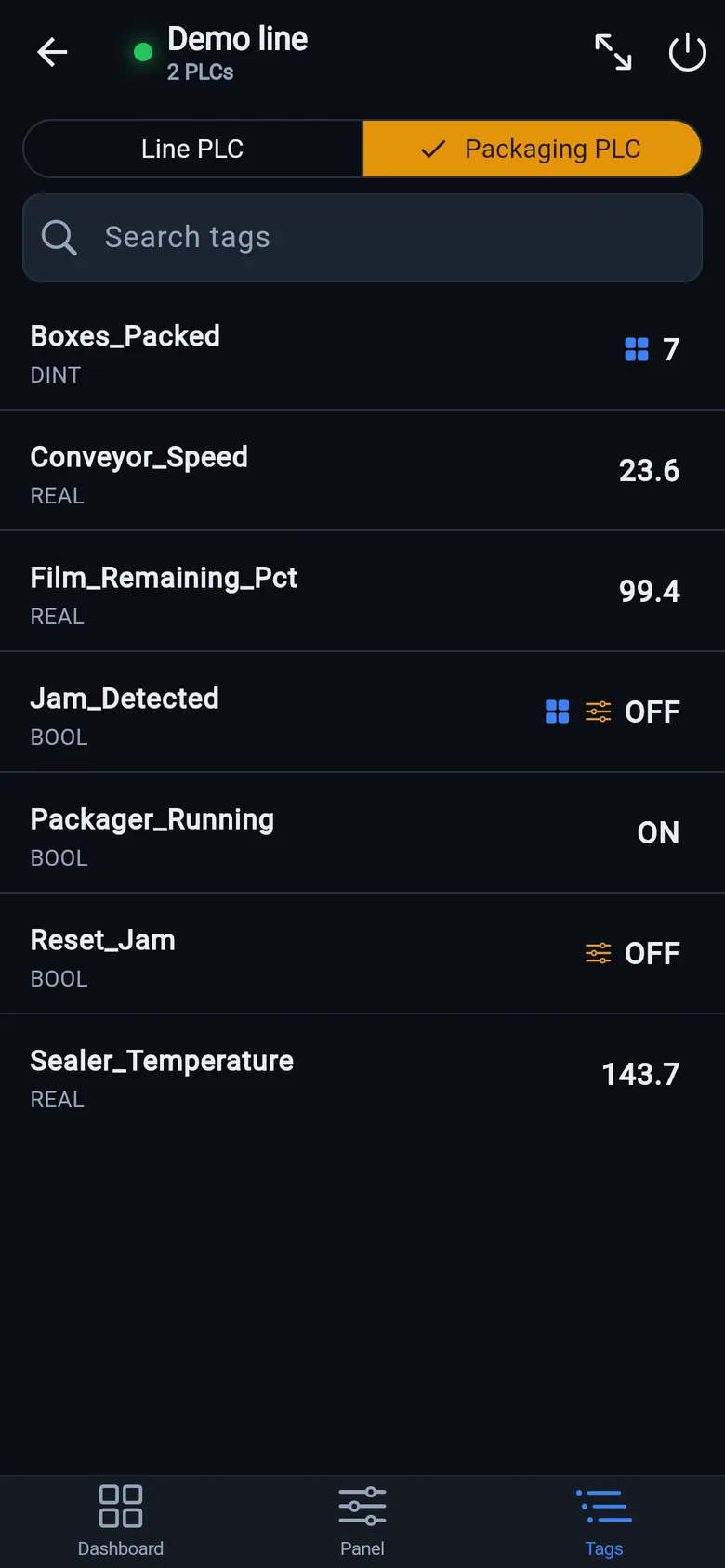
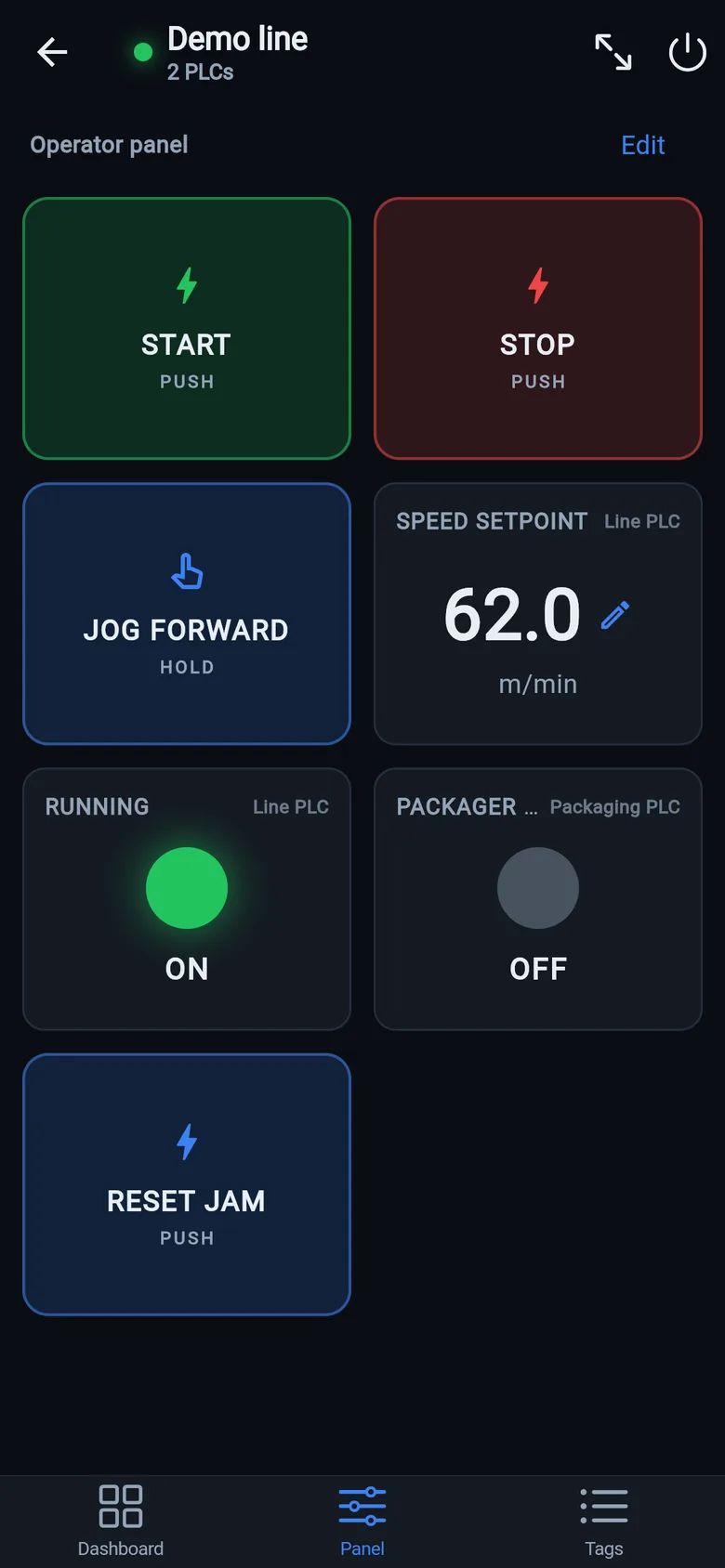
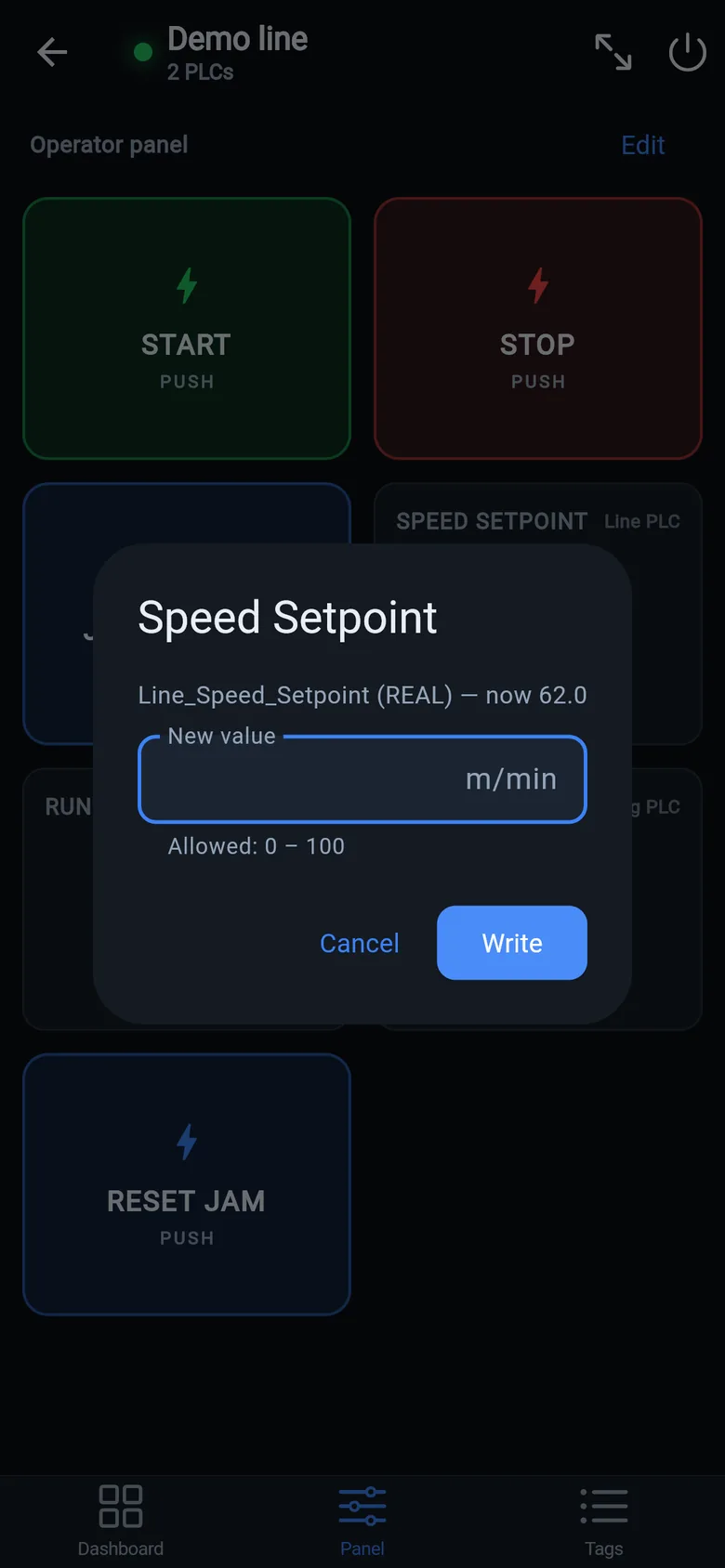
A temporary screen in minutes
Zero-config tag browser for Logix, drag-and-drop dashboard, operator panel, alarms — no changes to the PLC logic.
 On a desktop? Scan with your iPhone or iPad to get the free app.
For the machine itself: LineKeeper On is a self-contained 7″ or 10″ touchscreen built to stand on the machine while the replacement panel is repaired or shipped — the same drag-and-drop screens, plus what a phone shouldn't carry:
- Live view of every mapped tag, refreshed twice a second — plus per-tag unlocked writes, confirmed and audit-logged
- Operator panel: start/stop, indicators, setpoints — hold-to-run releases when your finger lifts (not a safety function)
- Stays useful after the repair: data logging, dashboards, machine diagnostics
Small hardware that helps while the panel is out: a Wi-Fi bridge or a USB-C Ethernet adapter to get the phone onto the machine network, a pole-mount arm for the temporary screen, an IP67 box for the bridge. What each one is for, and when you don't need it, is on the gear list.