What the window is telling you
EasyBuilder Pro polls every device configured in the project. When one stops answering, the runtime pops the "PLC no response" window with the device name, station number and a code identifying the failed conversation — and repeats it on every retry, which is why the screen fills with the same message. The useful information is which device and station: that's the conversation to debug, not the HMI, not the whole network.
Six checks, in order
| Check | Where | Classic miss |
|---|---|---|
| 1 · Right driver for the PLC | System Parameters → Device list in EasyBuilder Pro | The protocol variant matters — the wrong flavor of the right brand still times out |
| 2 · Station number / unit ID | Device settings on both ends | HMI polling station 1 while the PLC answers as station 2; on multi-drop RS-485, duplicate stations |
| 3 · Serial parameters match exactly | Baud, data bits, parity, stop bits | Delta DVP-style defaults (9600, 7, E, 1, ASCII) vs the driver's RTU default — one wrong field is enough |
| 4 · Wiring | RS-485 A/B lines, shield, terminators | A/B swapped works on the bench with one device and fails on the machine |
| 5 · Tags pointing at addresses the PLC doesn't have | The objects on the screens where the error pops | The window appears only on certain screens → an object there polls a register that doesn't exist in this PLC |
| 6 · EasyBuilder Pro version | Project compiled on an old EBPro | Documented driver bugs fixed by minor updates (e.g. a 4.10.04 → 4.10.06 Modbus RTU fix) — recompile on current |
When a device is gone for good
If the window points at a device that was physically removed from the machine, the fix is configuration hygiene, not comms: delete it from the device list (or disable its polling) and re-download the project. Leaving ghosts configured buries real errors under noise.
Screen dark instead of erroring?
That's a different tree — power, backlight, boot — covered in the black-screen triage. And if the question is whether the HMI or the PLC is at fault, the brand-agnostic checklist settles it in a minute.
Keep producing while you wait
Have the panel project export? Drop a FactoryTalk View, TIA Portal, Weintek or CSV export into our free HMI project converter — it runs in your browser, the file never leaves your PC, and your displays' buttons, indicators and values become app pages with the real tag names already in place. Graphics and alarm logic aren't carried over, and it takes the project export — a bare .mer runtime can't be converted.
Today, from a phone: the free LineKeeper Go for iPhone and iPad speaks EtherNet/IP, Siemens S7 and Modbus TCP. On Allen-Bradley Logix it reads the controller's own tag list automatically; on S7 and Modbus you add the addresses you care about. Build a dashboard in about 15 minutes — the operator panel's start/stop buttons come once the right tags are identified, ideally mapped in advance. Mount a spare iPad in full-screen panel mode, and the operator has a screen before the first repair quote arrives. Reading is free; writes are a one-time unlock with confirmation and limit checks on every value.
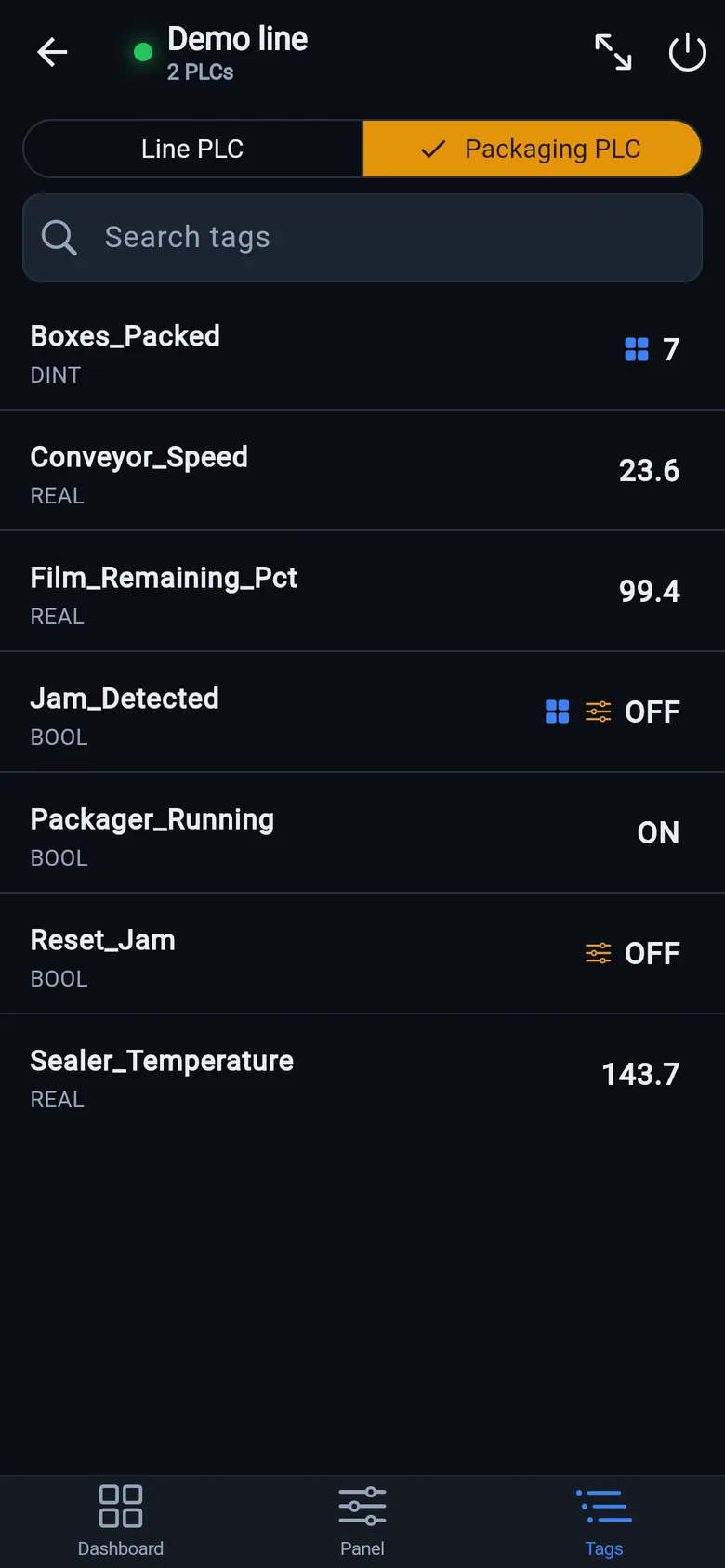
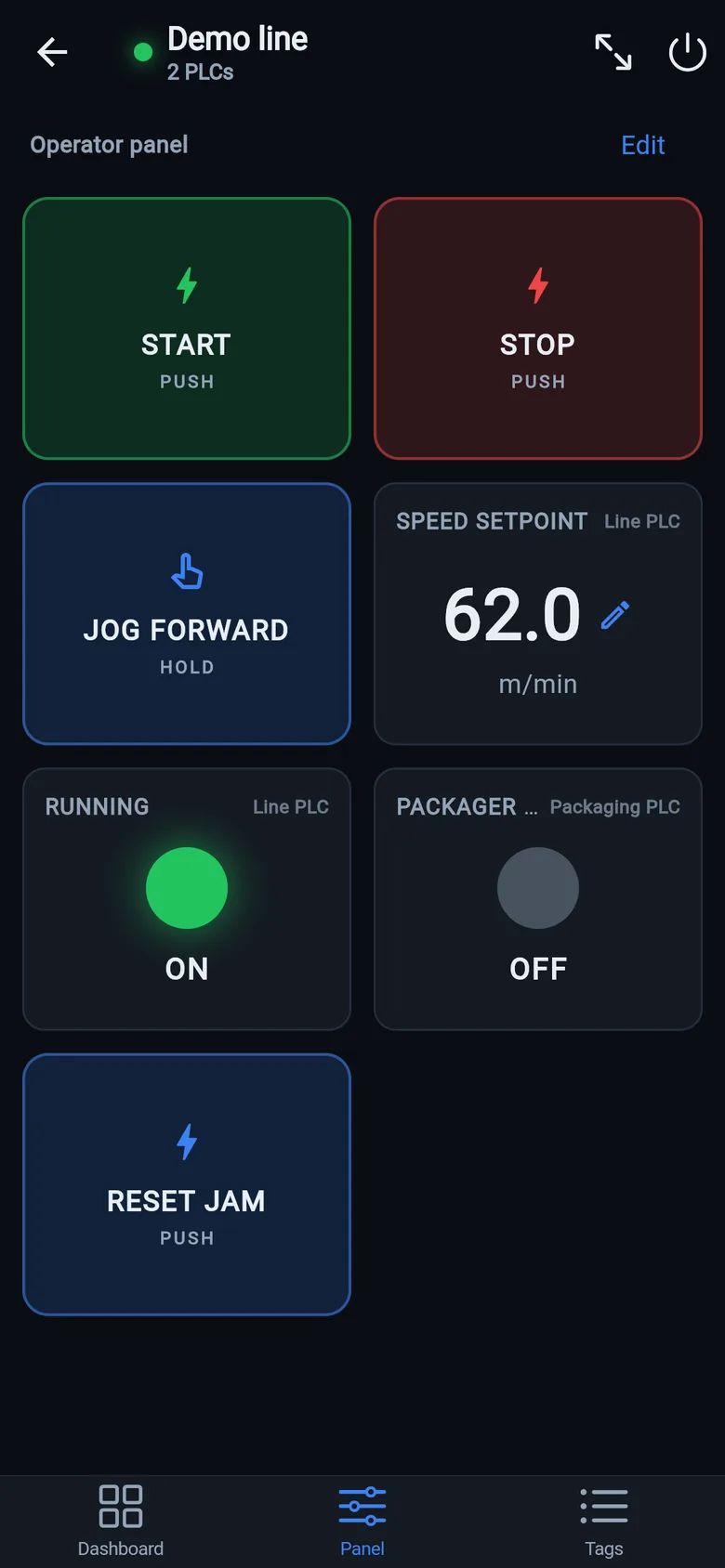
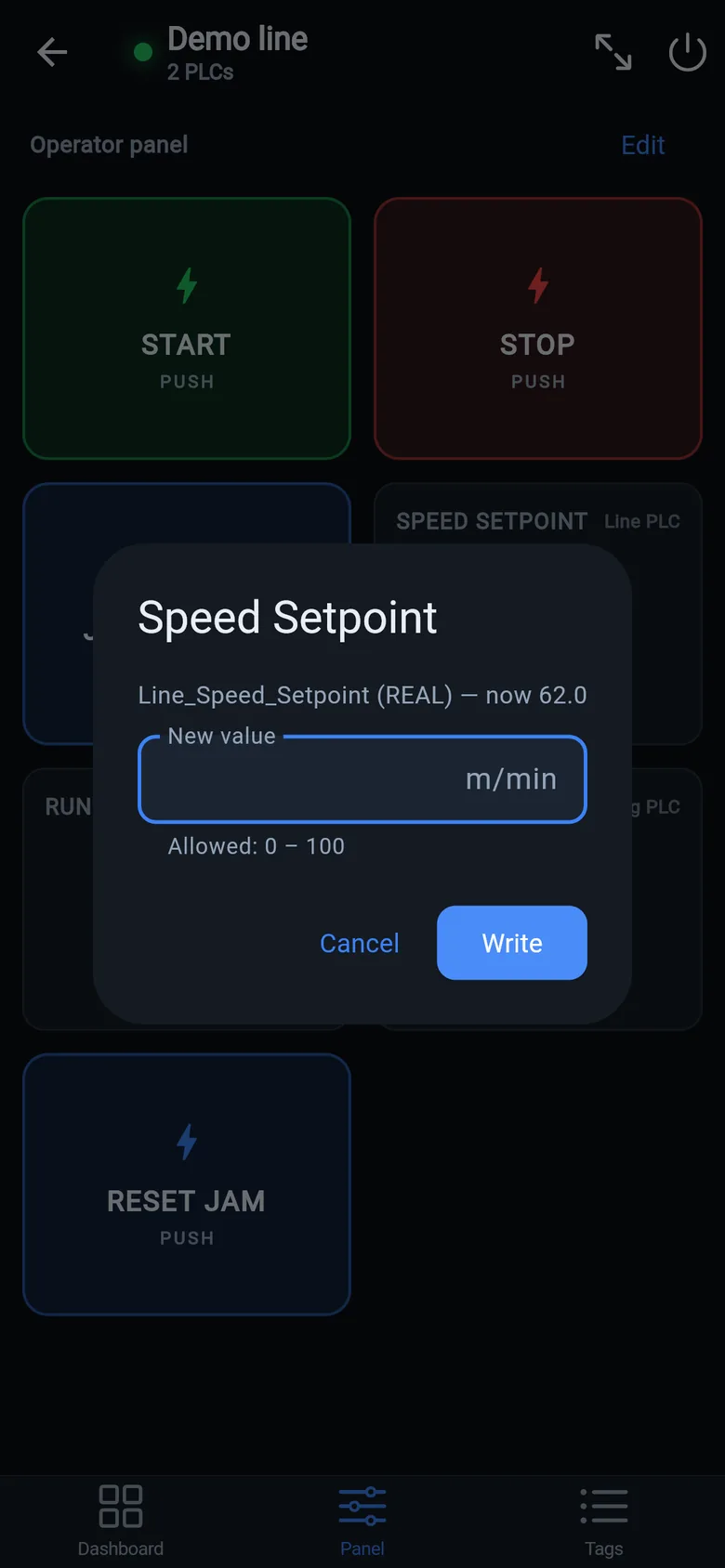
A temporary screen in minutes
Zero-config tag browser for Logix, drag-and-drop dashboard, operator panel, alarms — no changes to the PLC logic.
 On a desktop? Scan with your iPhone or iPad to get the free app.
For the machine itself: LineKeeper On is a self-contained 7″ or 10″ touchscreen built to stand on the machine while the replacement panel is repaired or shipped — the same drag-and-drop screens, plus what a phone shouldn't carry:
- Live view of every mapped tag, refreshed twice a second — plus per-tag unlocked writes, confirmed and audit-logged
- Operator panel: start/stop, indicators, setpoints — hold-to-run releases when your finger lifts (not a safety function)
- Stays useful after the repair: data logging, dashboards, machine diagnostics
Small hardware that helps while the panel is out: a Wi-Fi bridge or a USB-C Ethernet adapter to get the phone onto the machine network, a pole-mount arm for the temporary screen, an IP67 box for the bridge. What each one is for, and when you don't need it, is on the gear list.