Symptom → most likely cause
| Symptom | Usual suspects | Typical severity |
|---|---|---|
| Touches land in the wrong place / drift | Calibration drift — common after years of wear concentrated on a few buttons | Free fix: recalibrate |
| One area dead, rest works | Worn resistive layer in the high-use zone (the start button corner, typically) | Touch layer repair |
| No touch response anywhere, display fine | Failed touch layer or touch controller; the HMI application is usually still healthy | Repairable |
| Ghost touches — buttons press themselves | Delaminating or cracked touch layer, moisture ingress, or a pinched flex cable | Repair soon — ghost inputs on a machine are a real risk |
| Touch dead only in one application screen | The HMI project (a frozen display or a stuck popup), not the hardware | Restart the terminal first |
| Terminal stops at boot with FATAL 3A | Self-test found a touch cell held pressed — often something physically pressing the glass: dedicated Fatal 3A guide | Often a cheap fix |
Screen completely dark instead? That's a different failure tree — see PanelView Plus 7 not working or the brand-agnostic 10-minute triage guide.
Three checks before you ship anything
- Restart the terminal cleanly. Power off for 30 seconds, let it boot fully. A stuck popup or a frozen runtime looks exactly like dead touch — and costs nothing to rule out.
- Run the touch calibration. PanelView Plus terminals have a calibration routine in the terminal's configuration mode. If taps register but land wrong, this is very often the whole fix. If a region is completely dead, calibration won't resurrect it.
- Look at the glass edge-on. Bubbling, delamination, cracks or moisture under the surface point at the touch layer itself. Note where the dead zone is — if it's exactly the most-pressed button, it's wear, and it will not heal.
Fix paths and what they really cost
- Recalibration: free, minutes, no parts. Always first.
- Touch layer / digitizer repair: typically $300–$1,000 at a repair service, 1–2 weeks with shipping. The panel keeps its project — no engineering software, no project file hunt. Usually the honest winner when the display itself is fine.
- Whole panel replacement: $1,500–$4,000 plus lead time, and the new panel arrives empty — the project must be converted and downloaded. Worth it when the unit has other age problems too, or the model is discontinued and you're choosing a strategy anyway.
Meanwhile: buttons on a phone, values on the wall
Here's the useful twist of this particular failure: the panel can still show values — it just can't take input. Leave it displaying, and give the operator their buttons on a phone. The free LineKeeper Go for iPhone and iPad connects to the ControlLogix or CompactLogix over EtherNet/IP, reads the controller's own tag list — nothing to configure — and puts live values on a phone or a mounted iPad in about 15 minutes — start/stop, jog, setpoints and status lamps once the right tags are identified. No PLC program changes, no gateway, no cloud.
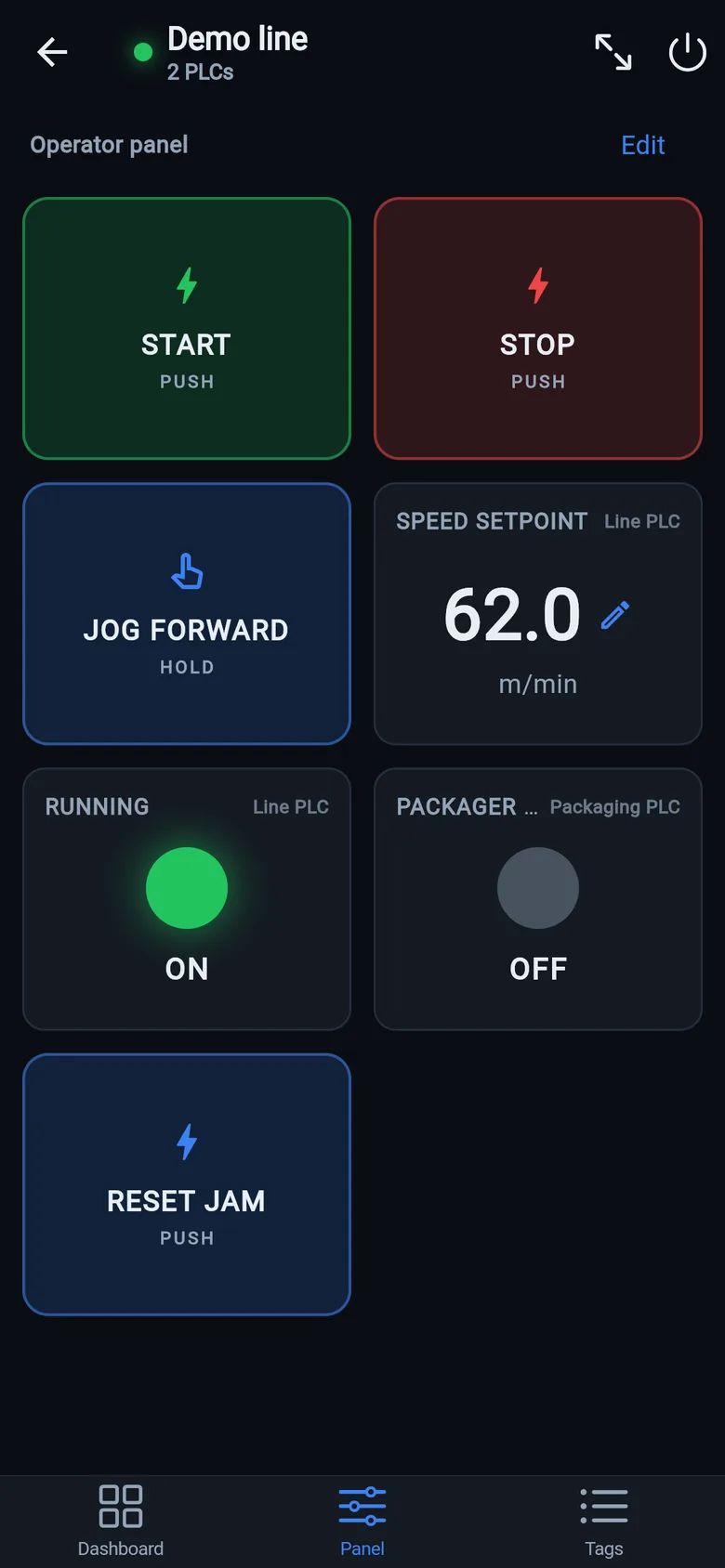
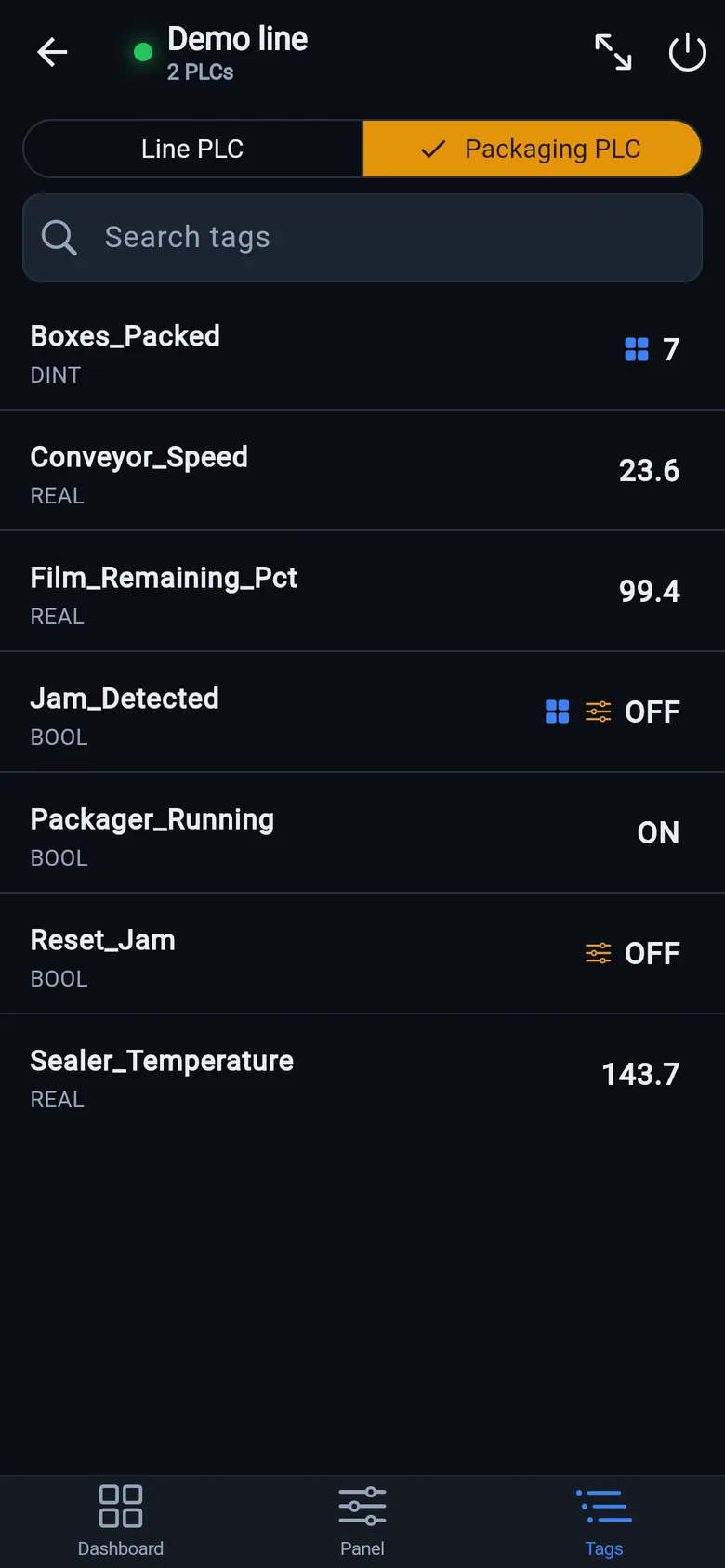
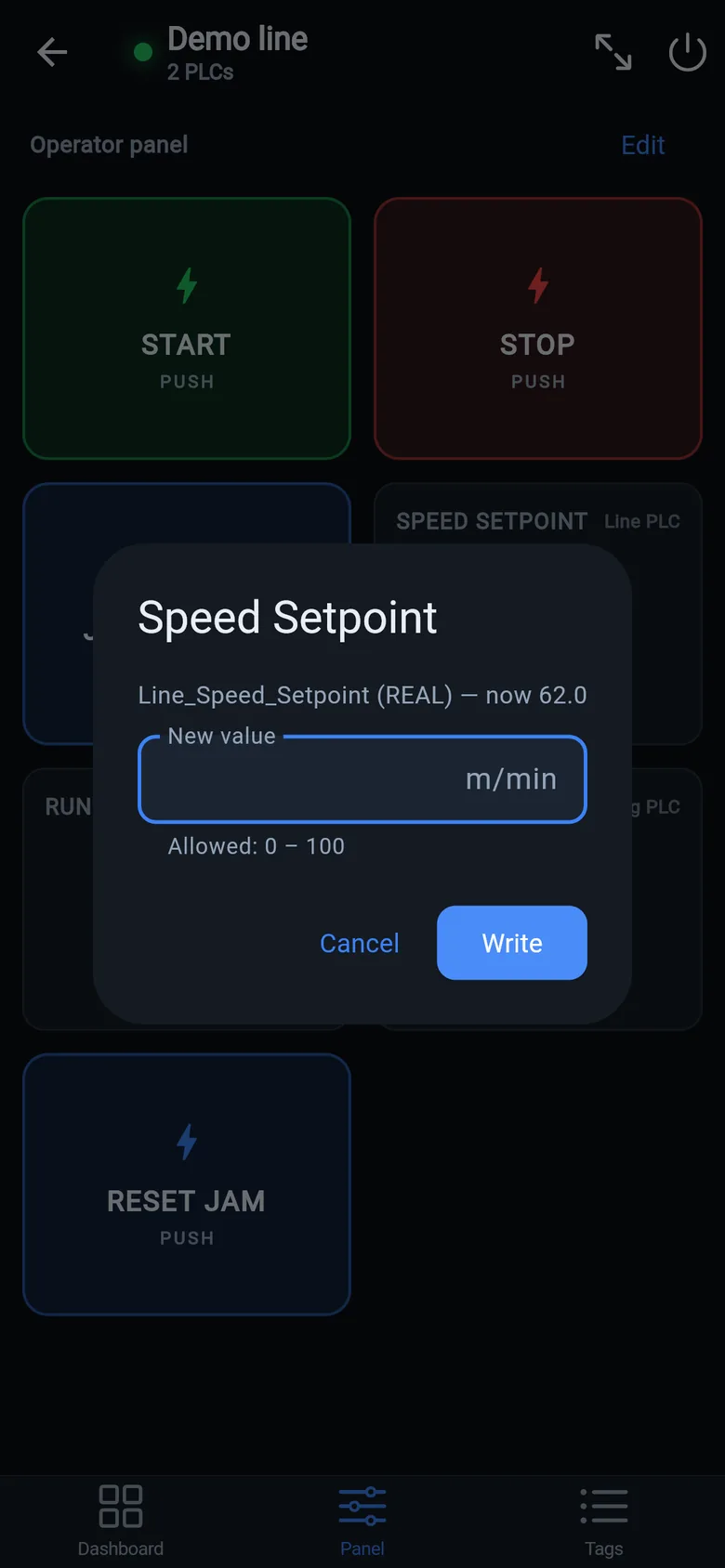
 On a desktop? Scan with your iPhone or iPad to get the free app.
If this panel keeps failing
A touch repair on a ten-year-old terminal is buying time, not a future. If this is the second failure — or the model is discontinued — treat it as the nudge to compare the migration paths calmly while a bridge keeps the line running. Today that bridge is the free phone app; LineKeeper's 7″/10″ device — on preorder — is built for the same job as a permanent screen, and stays useful afterwards for logging and diagnostics.