The six usual causes, in order
| Cause | What it looks like | What to do |
|---|---|---|
| 1 · Physical layer | No link lights; comm-loss banner on every display | Reseat both ends of the cable, try another switch port — a re-patched cabinet switch is a classic |
| 2 · IP address | Worked until a device was swapped; intermittent drops | Check for a duplicate IP or changed subnet from the terminal's network settings; ping the PLC from a laptop on the same drop |
| 3 · RSLinx Enterprise shortcut | Displays load but values show errors; fresh .mer download | On the terminal: RSLinx Enterprise → the shortcut your project uses → point it at the controller → copy the config to the Runtime tab — designing the path but never copying it to Runtime is the single most common miss |
| 4 · "Unsupported communication protocol" | Warning at application startup | The shortcut references a controller generation the terminal firmware doesn't know — typical after a CPU upgrade (e.g. to CompactLogix 5380/5580). Update terminal firmware or retarget the shortcut |
| 5 · Controller connection limits | Comms drop when extra clients connect; CIP connection errors in diagnostics | Too many simultaneous clients on the PLC — count HMIs, SCADA, message instructions; disconnect something or raise the limit where the controller allows |
| 6 · The PLC program changed | Most displays fine, specific values error | Renamed tags or edited AOIs after the .mer was built — rebuild the project against the current controller, not a comms problem at all |
Quick isolation: panel or network?
Sixty seconds settles it. Put a laptop — or a phone running the free LineKeeper app — on the same network drop. If it can see the controller (the app reads a Logix tag list over EtherNet/IP with zero configuration), the PLC and the network are fine and the fault is inside the terminal's own config: shortcut, IP, firmware. If nothing on that drop reaches the PLC, stop blaming the panel and follow the cable.
If it's the terminal's firmware or hardware
Firmware updates are free but need the right utility and a maintenance window; a terminal too old to speak to a new controller generation may be better replaced than upgraded — check where your model stands on the PanelView obsolescence timeline. And if the unit is retired anyway, the replacement decision guide compares the real paths with honest money and time.
Keep producing while you wait
Have the FactoryTalk project export? Drop it into our free HMI project converter — it runs in your browser, the file never leaves your PC, and your displays' buttons, indicators and values become app pages with the real tag names already in place. Graphics and alarm logic aren't carried over, and it takes the project export — a bare .mer runtime can't be converted.
Today, from a phone: the free LineKeeper Go for iPhone and iPad connects to your ControlLogix or CompactLogix over EtherNet/IP and reads the controller's own tag list — no export files, no configuration. Build a dashboard in about 15 minutes — the operator panel's start/stop buttons come once the right tags are identified, ideally mapped in advance. Mount a spare iPad in full-screen panel mode, and the operator has a screen before the first repair quote arrives. Reading is free; writes are a one-time unlock with confirmation and limit checks on every value.
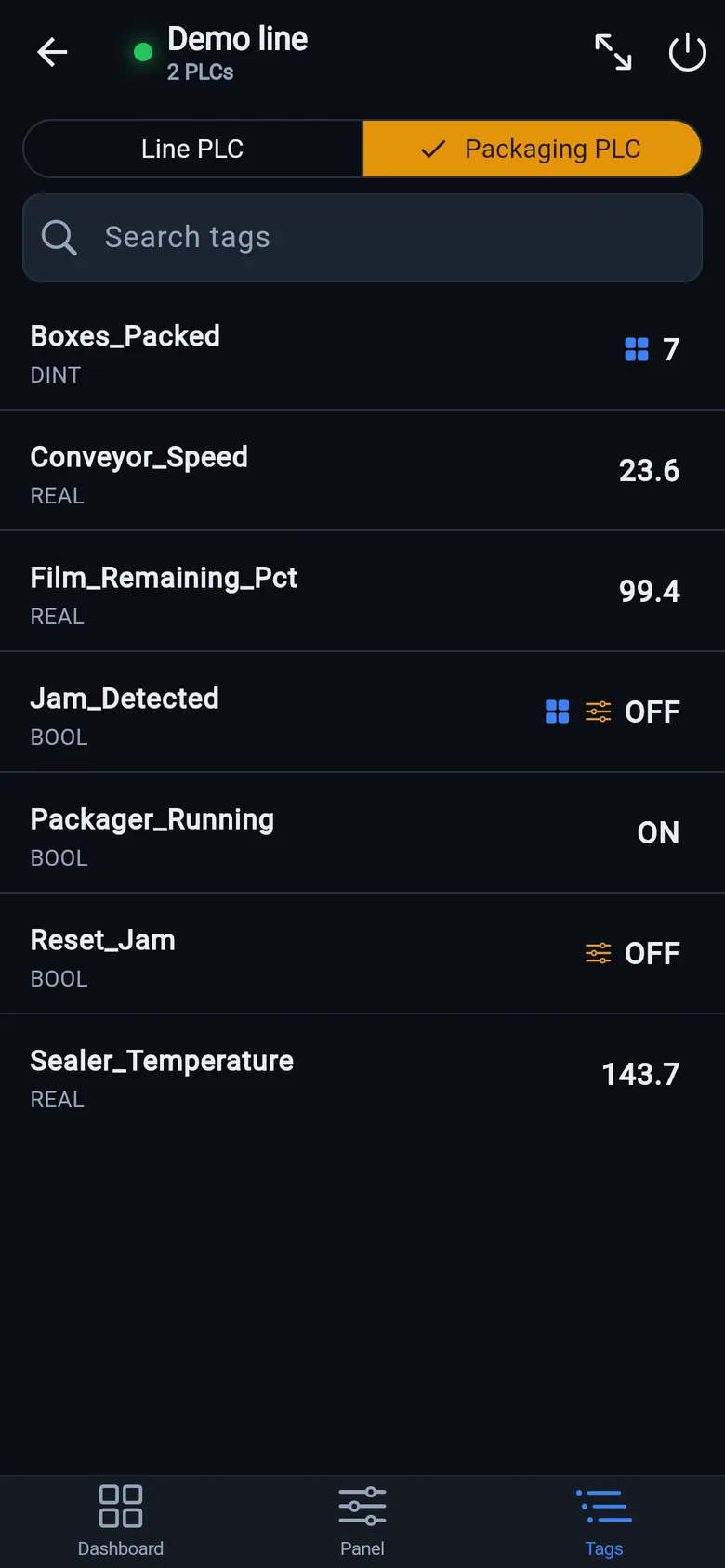
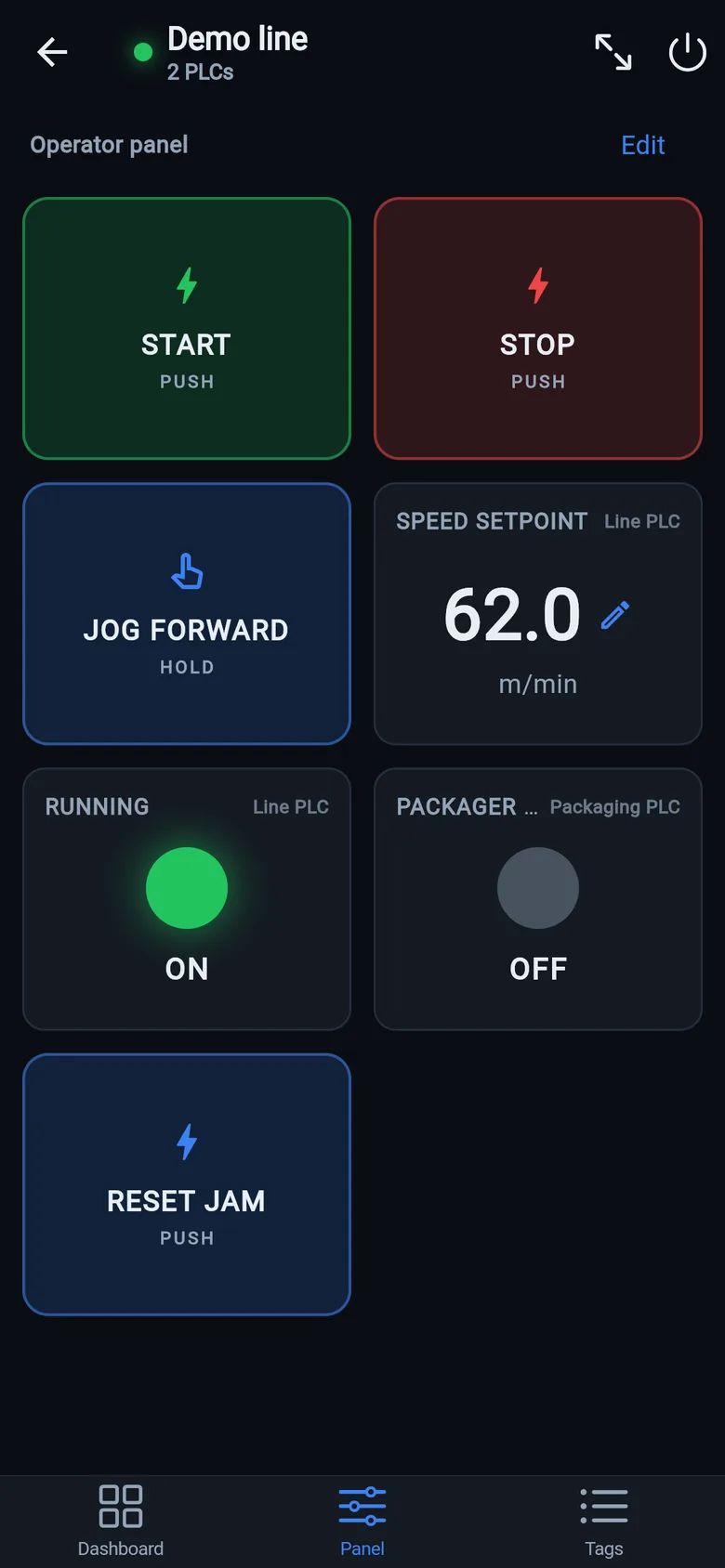
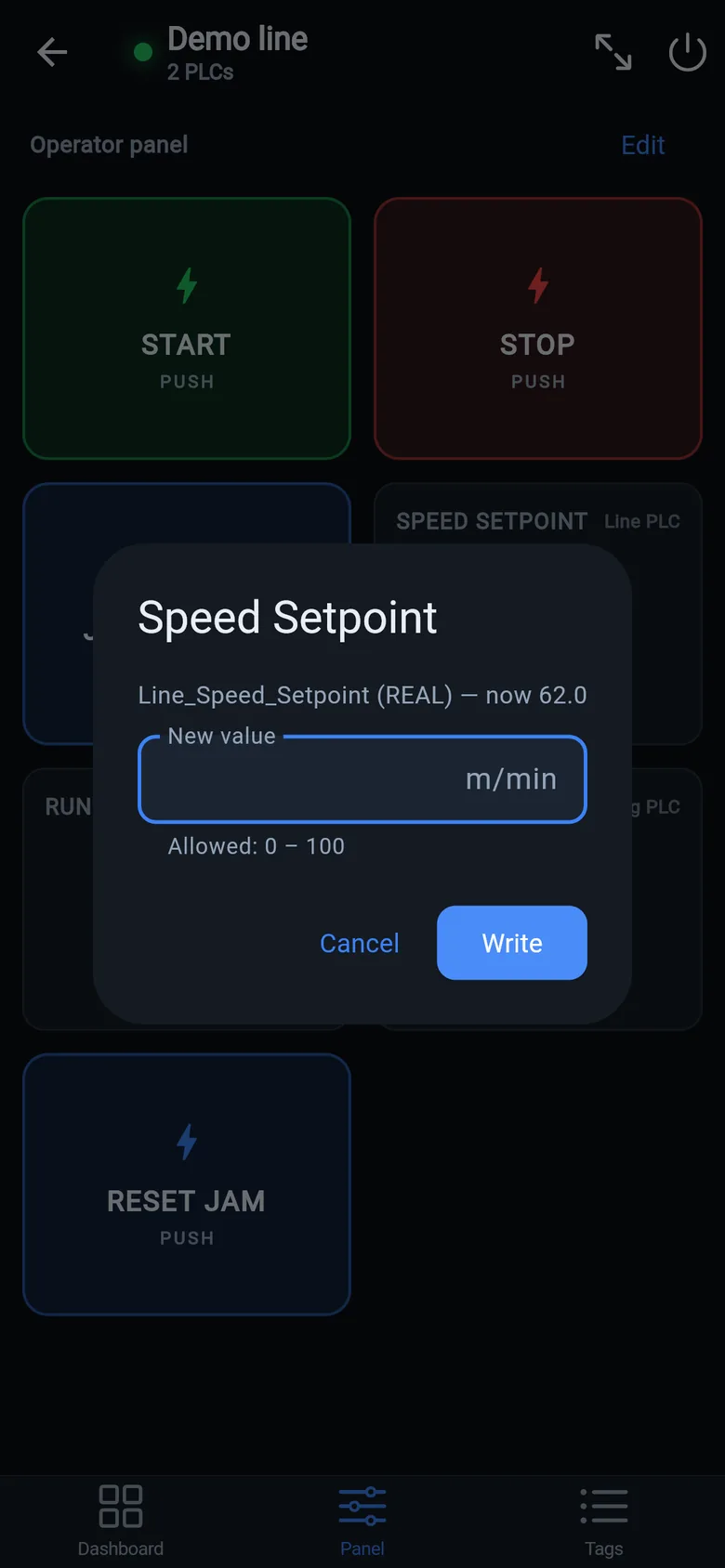
A temporary screen in minutes
Zero-config tag browser for Logix, drag-and-drop dashboard, operator panel, alarms — no changes to the PLC logic.
 On a desktop? Scan with your iPhone or iPad to get the free app.
For the machine itself: LineKeeper On is a self-contained 7″ or 10″ touchscreen built to stand on the machine while the replacement panel is repaired or shipped — the same drag-and-drop screens, plus what a phone shouldn't carry:
- Live view of every mapped tag, refreshed twice a second — plus per-tag unlocked writes, confirmed and audit-logged
- Operator panel: start/stop, indicators, setpoints — hold-to-run releases when your finger lifts (not a safety function)
- Stays useful after the repair: data logging, dashboards, machine diagnostics
Small hardware that helps while the panel is out: a Wi-Fi bridge or a USB-C Ethernet adapter to get the phone onto the machine network, a pole-mount arm for the temporary screen, an IP67 box for the bridge. What each one is for, and when you don't need it, is on the gear list.