Symptom → most likely cause
| Symptom | Usual suspects | Typical severity |
|---|---|---|
| Completely dark, no LEDs | 24 VDC supply, fuse, wiring — check these before blaming the panel | Often a cheap fix |
| Dark screen, power LED on | Backlight failure. Flashlight test: faint image visible → display works | Repairable |
| Touch unresponsive / drifting | Touch layer or its controller; the HMI project itself often still runs | Repairable |
| Stuck at the Siemens logo / boot loop | Corrupted firmware or project storage; recoverable more often than not — the full recovery ladder (ProSave, recovery image, Panel Image Updater) | Moderate |
| "Connection to PLC interrupted" | PROFINET cable, switch port, IP conflict — the panel may be perfectly fine | Often a cheap fix |
Rule of thumb: check power, backlight and the network before ordering hardware. The generic checklist works for any brand: the 10-minute line-down guide.
Fix paths and what they really take
Three realistic paths: repair the unit (typically $300–$1,000 and 1–2 weeks — cheapest when the fault is display-related), replace the panel (a new one arrives empty until the HMI project is downloaded from TIA Portal), or a used unit (fast on paper — no warranty, and the project download is still required). The full decision guide, with honest costs, lead times and the catches of each path, is here: Siemens HMI replacement options.
Meanwhile: the operator's screen on a phone
Whichever path you pick, the operator doesn't have to fly blind. The free LineKeeper Go for iPhone and iPad speaks S7comm directly to the CPU — no PLC program changes, no gateway hardware, no cloud. It works with S7-300, S7-400, S7-1200 and S7-1500, and a network scan finds the controllers on the subnet.
- Add the points that matter by absolute address — DB1.DBD4, M0.0, IW2 — with type and scaling, and watch the live value preview as you type.
- Don't know the addresses? Patent-pending Find by action: press the machine's real pushbutton in the rhythm the app dictates and it returns the bit that answered. A parameter mode finds a setpoint from the value on the machine's own display. The sweep covers the flag area M on its own; for a tag that lives inside a data block, type the DB number once — S7comm can't enumerate data blocks.
- Build the screen in minutes — dashboard tiles for values and trends, an operator panel with start/stop buttons, hold-to-run jog, setpoints and status lamps. Full-screen panel mode keeps the phone awake — a temporary operator station.
- Alarms like the factory panel: alarm words map to operator texts, a red banner shows over every tab, and a journal logs appeared and cleared events.
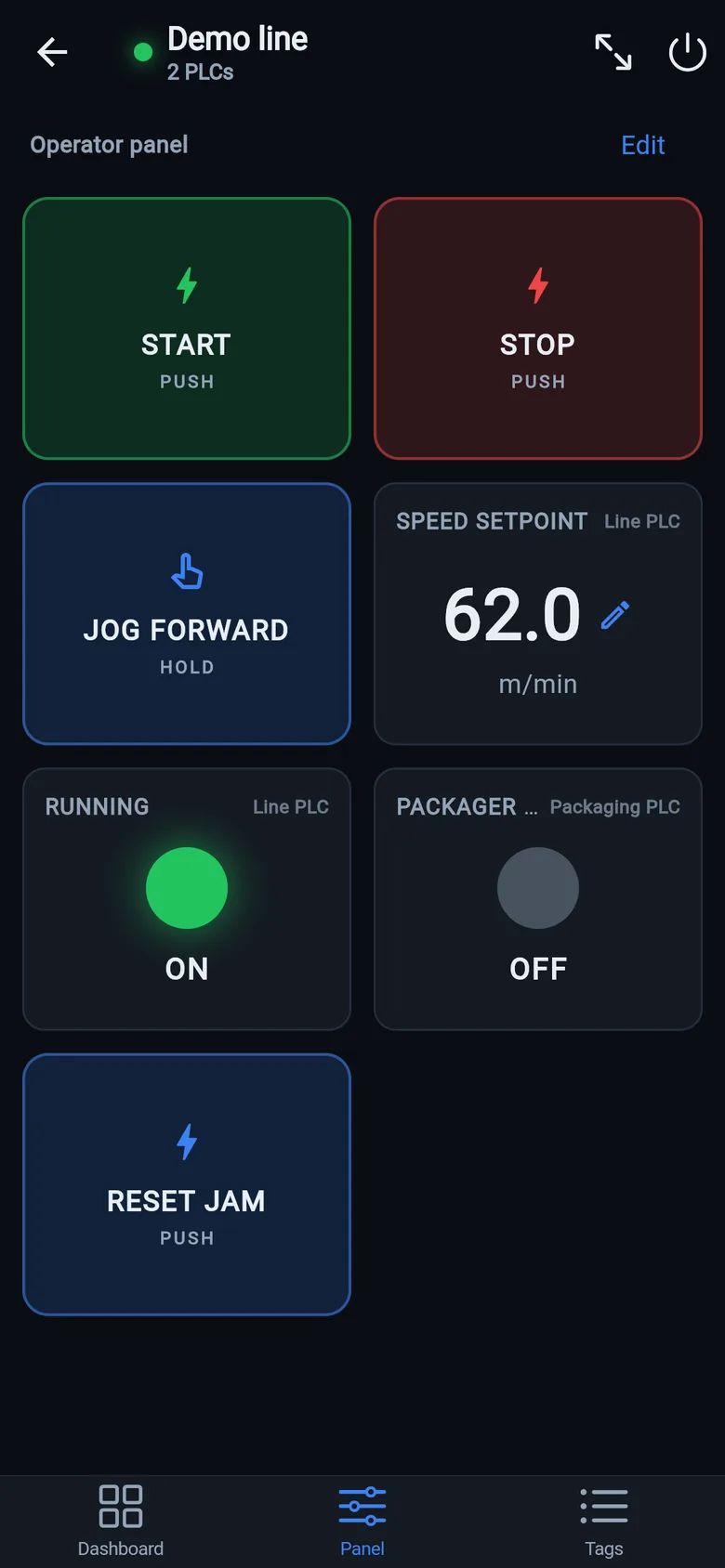
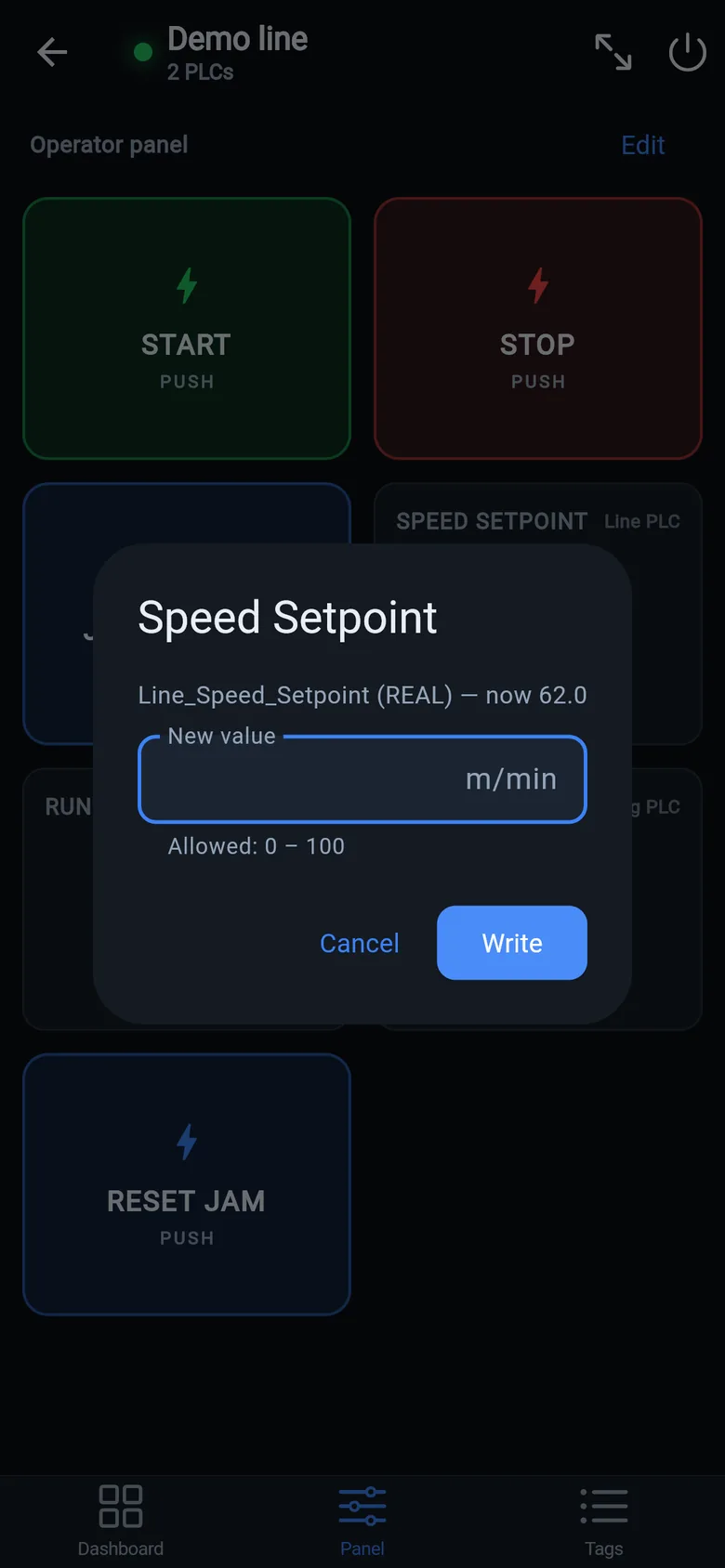
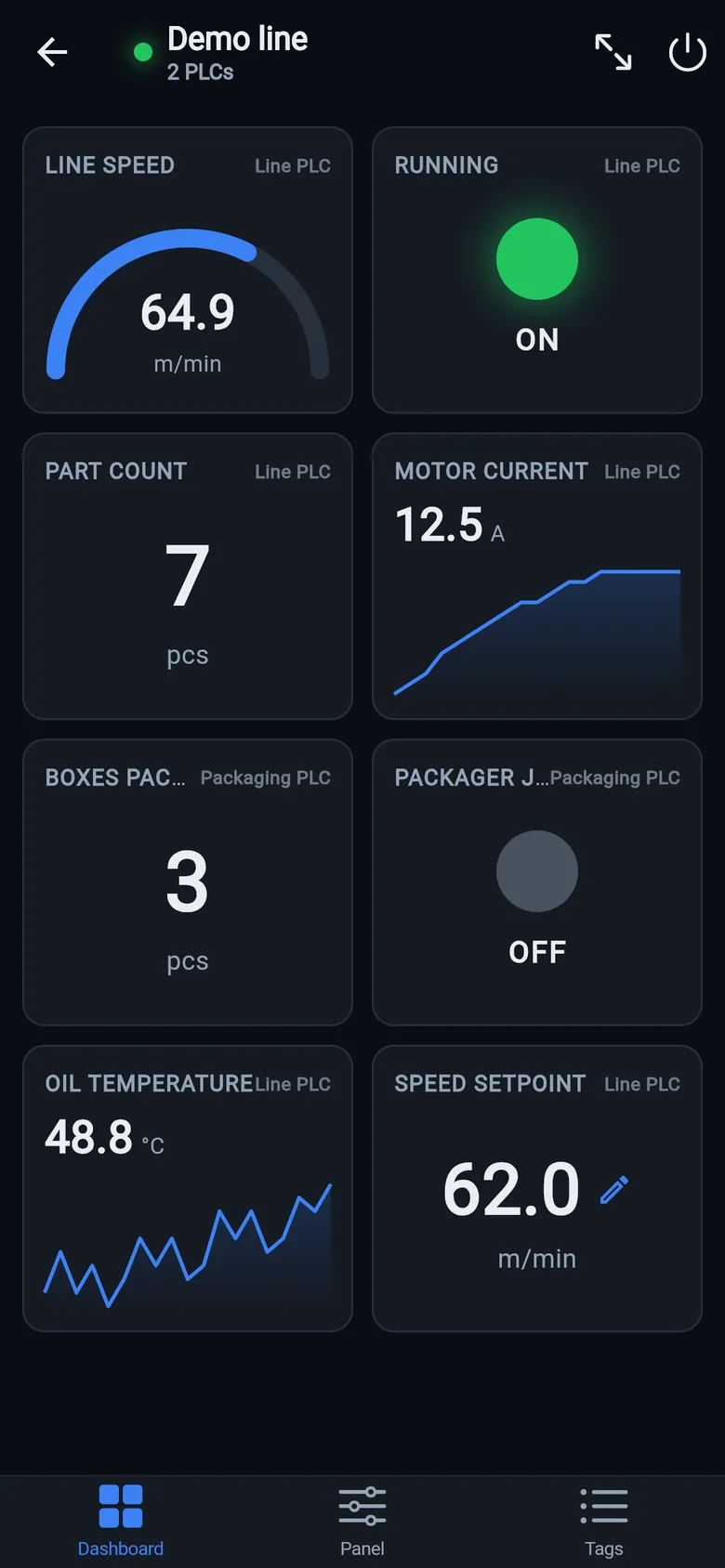
S7-1200/1500 note: Siemens ships these CPUs with PUT/GET communication disabled and "optimized" data blocks. When a CPU refuses, the app detects it and shows the exact TIA Portal steps to fix each case — instead of a silent timeout.
Small hardware that helps while the panel is out: a Wi-Fi bridge or a USB-C Ethernet adapter to get the phone onto the machine network, a pole-mount arm for the temporary screen, an IP67 box for the bridge. What each one is for, and when you don't need it, is on the gear list.
Put a screen on the machine today
Reading tags, dashboards and alarms are free. Writing values — start, stop, setpoints — is a one-time unlock, no subscription. Cheaper than one hour of the downtime you're living through right now.
 On a desktop? Scan with your iPhone or iPad to get the free app.