Where does the boot stop?
| What you see | What it means | Fix rung |
|---|---|---|
| Nothing — no LED, dark | Power, not boot | 24 VDC and fuse: black-screen triage |
| Logo, then freeze | Firmware or runtime image damaged | Rungs 2–4 below |
| Boot loop | Firmware corrupt — often after a power blip mid-update | Rungs 3–4 |
| Starts into "Transfer" screen | No runtime/project on the panel — the panel is fine | Transfer the project from TIA Portal |
| Hangs with USB devices attached | A shorted or misbehaving USB device can stall boot | Rung 1 — free |
The recovery ladder
- 1 · Unplug everything. USB sticks, keyboards, printers. Power cycle with a bare panel. Costs nothing and resolves more boot hangs than anyone admits.
- 2 · Re-transfer the project. If the panel reaches its transfer/loader screen, push the project again from TIA Portal. A damaged runtime often just needs a clean download.
- 3 · ProSave "OS update with restart". The factory-reset path for Basic/Comfort panels: ProSave pushes a fresh firmware image (from your TIA/WinCC installation) to the panel in bootloader mode. Fresh-reset panels answer on the default bootloader IP 192.168.0.1; the transfer runs over TCP 102 and takes minutes. This erases the project, recipes and retained data — back up first if the panel still allows it.
- 4 · Recovery image via USB. For Comfort Panels that no longer respond to ProSave, Siemens support provides a recovery image (support entry 31032678): copy it to a FAT32 USB stick, power-cycle, and the panel offers to restore itself.
- 5 · Unified panels: Panel Image Updater. The Unified line updates its base image with the PIU tool instead of classic ProSave. When "Panel Image Updater is not working", it's almost always one of three things: not run as administrator, a PIU version that doesn't match the panel's TIA version line, or the panel not switched into the update/service mode the tool expects.
- 6 · Hardware. Old MP/OP/TP generations die of flash wear and electrolytics. At that age, weigh repair against migration: the Siemens replacement guide runs the numbers.
Before you wipe it
Rungs 3–5 destroy what's on the panel. If it still boots occasionally or reaches the loader: back up the project, recipes and any transferable licenses first. Ten minutes of backup beats a week of reconstructing recipes from paper.
Keep producing while you wait
Have the panel project export? Drop a FactoryTalk View, TIA Portal, Weintek or CSV export into our free HMI project converter — it runs in your browser, the file never leaves your PC, and your displays' buttons, indicators and values become app pages with the real tag names already in place. Graphics and alarm logic aren't carried over, and it takes the project export — a bare .mer runtime can't be converted.
Today, from a phone: the free LineKeeper Go for iPhone and iPad speaks EtherNet/IP, Siemens S7 and Modbus TCP. On Allen-Bradley Logix it reads the controller's own tag list automatically; on S7 and Modbus you add the addresses you care about. Build a dashboard in about 15 minutes — the operator panel's start/stop buttons come once the right tags are identified, ideally mapped in advance. Mount a spare iPad in full-screen panel mode, and the operator has a screen before the first repair quote arrives. Reading is free; writes are a one-time unlock with confirmation and limit checks on every value.
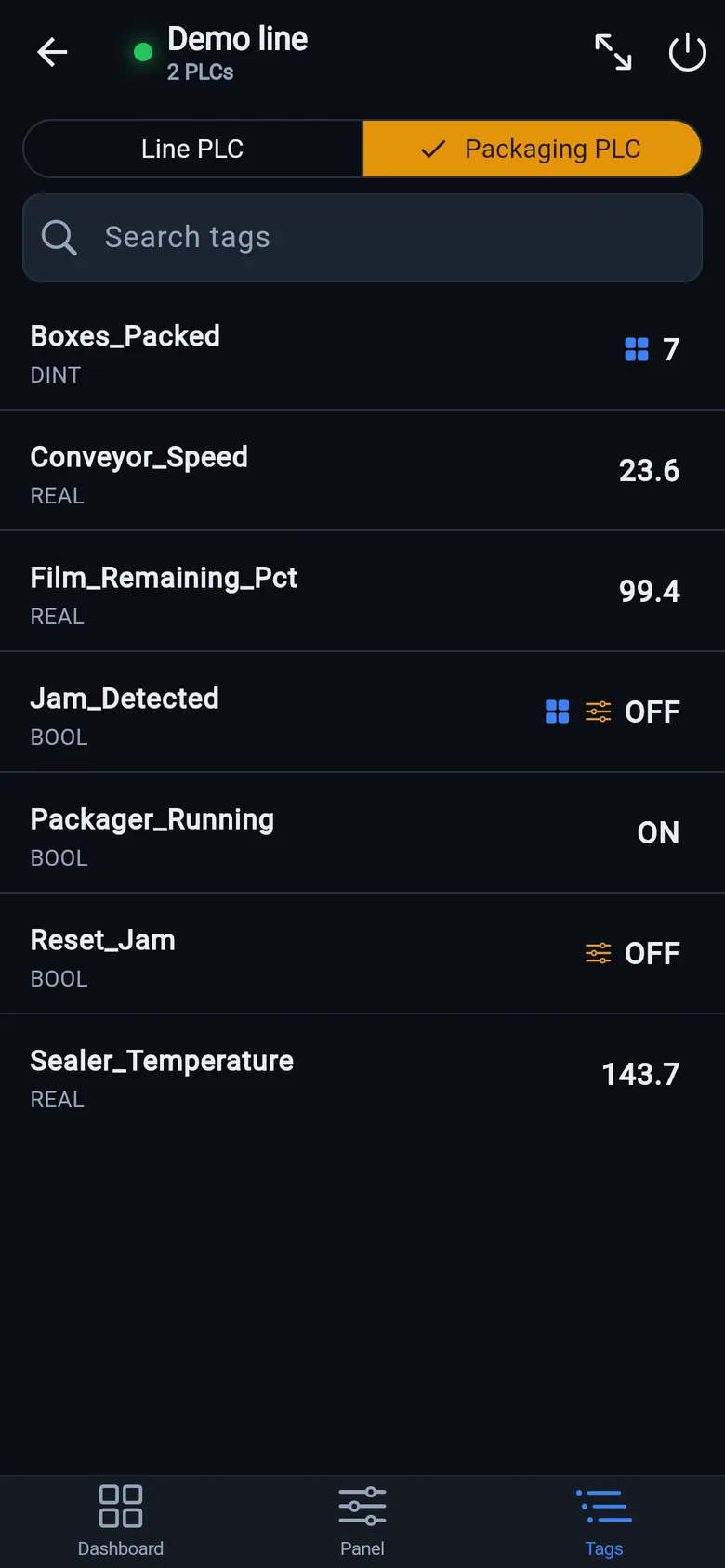
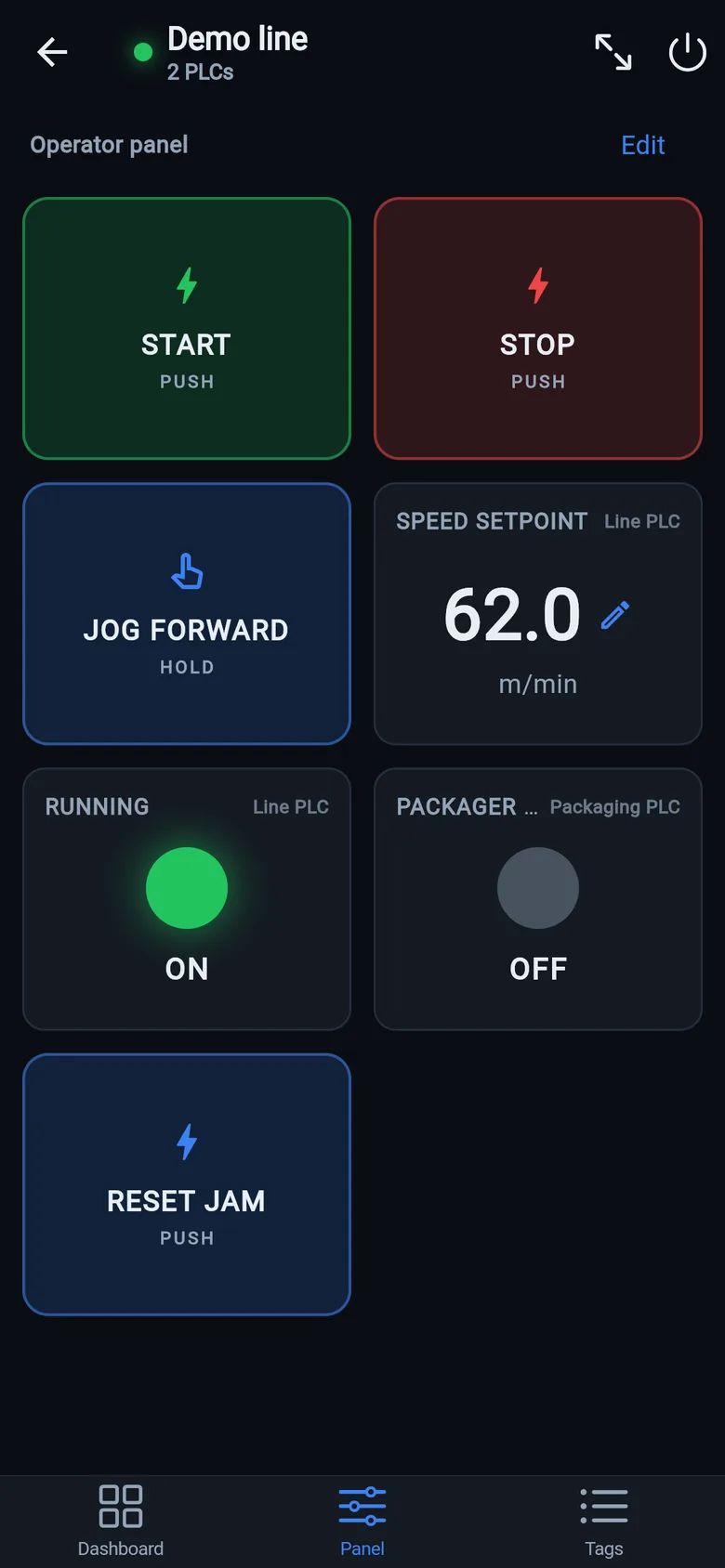
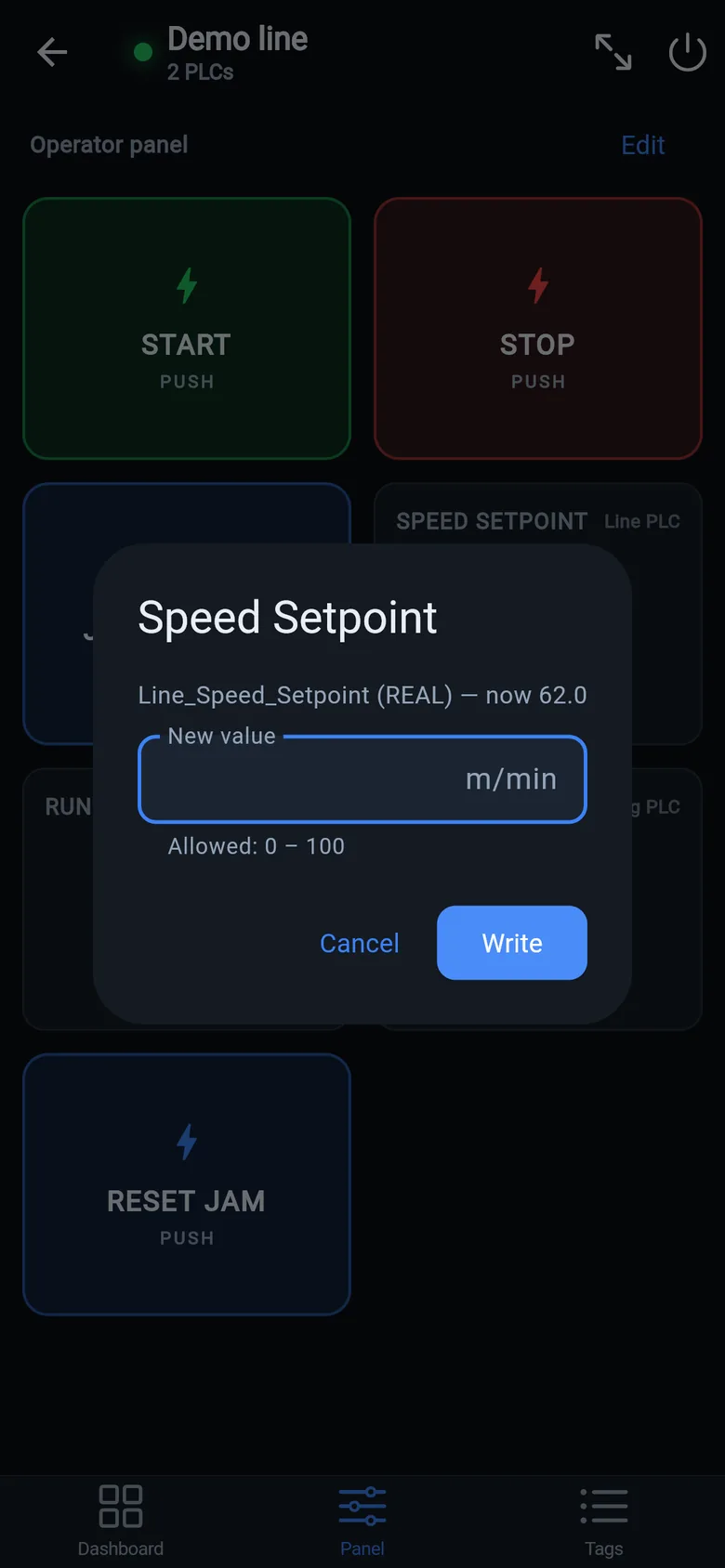
A temporary screen in minutes
Zero-config tag browser for Logix, drag-and-drop dashboard, operator panel, alarms — no changes to the PLC logic.
 On a desktop? Scan with your iPhone or iPad to get the free app.
For the machine itself: LineKeeper On is a self-contained 7″ or 10″ touchscreen built to stand on the machine while the replacement panel is repaired or shipped — the same drag-and-drop screens, plus what a phone shouldn't carry:
- Live view of every mapped tag, refreshed twice a second — plus per-tag unlocked writes, confirmed and audit-logged
- Operator panel: start/stop, indicators, setpoints — hold-to-run releases when your finger lifts (not a safety function)
- Stays useful after the repair: data logging, dashboards, machine diagnostics
Small hardware that helps while the panel is out: a Wi-Fi bridge or a USB-C Ethernet adapter to get the phone onto the machine network, a pole-mount arm for the temporary screen, an IP67 box for the bridge. What each one is for, and when you don't need it, is on the gear list.