What Fatal 3A actually is
At every boot a PanelView Plus scans its touch matrix. If any cell reports "pressed" and never releases, the firmware stops with FATAL 3A — stuck touch instead of loading the application. That's deliberate: a phantom touch on a running HMI could start a motor or acknowledge an alarm on its own. So the error is not a corrupted project and not a dead terminal — it's the touch layer failing its self-test. The question is only whether the "press" comes from outside the glass (fixable in minutes) or inside the digitizer (a hardware repair).
Five checks before you order parts
| Check | What you're looking for | If it helps |
|---|---|---|
| 1 · Anything touching the glass? | Misaligned enclosure door, tape, a magnet-mounted note, a cable pressing the bezel, an operator's clipboard leaning on the screen | Remove it, reboot without touching the screen |
| 2 · Screen protector / anti-glare overlay | Bubbles, trapped grit or edge damage press on touch cells constantly | Peel it off, clean the glass, reboot |
| 3 · Moisture at the bezel | Washdown or condensation creeping under the gasket reads as a touch | Dry it out thoroughly before the next boot |
| 4 · Full power reset | Touch controller latched in a bad state | Disconnect 24 VDC for ~30 seconds, boot hands-off |
| 5 · Error returns on a clean, dry screen? | Shorted digitizer traces or a failed touch controller | That's hardware — see the options below |
If the error clears, recalibrate the touch screen and keep an eye on it — a digitizer that's starting to short often comes back. General panel triage: the 10-minute line-down guide.
If it won't clear: the honest options
- Repair the display/touch assembly: Fatal 3A from a shorted digitizer cannot be cleared in software. A repair service replaces the touch layer or display assembly for typically $300–$1,000 and 1–2 weeks plus shipping — usually the cheapest real fix.
- Swap in a spare terminal: fastest if you have one on the shelf — the panel application (.mer) transfers to a same-family unit. Check the firmware version before it becomes a second outage.
- Replace the unit: if the terminal is an older, discontinued model anyway, this error is often the push to migrate — see which PanelView models are obsolete and the replacement decision guide before paying to repair a retired product.
- USB mouse (sometimes): on some terminals the runtime still loads after the error and a USB mouse restores control while touch stays dead. Many units halt at the error screen, though — then a pointer can't help.
Keep producing while you wait
Have the FactoryTalk project export? Drop it into our free HMI project converter — it runs in your browser, the file never leaves your PC, and your displays' buttons, indicators and values become app pages with the real tag names already in place. Graphics and alarm logic aren't carried over, and it takes the project export — a bare .mer runtime can't be converted.
Today, from a phone: the free LineKeeper Go for iPhone and iPad connects to your ControlLogix or CompactLogix over EtherNet/IP and reads the controller's own tag list — no export files, no configuration. Build a dashboard in about 15 minutes — the operator panel's start/stop buttons come once the right tags are identified, ideally mapped in advance. Mount a spare iPad in full-screen panel mode, and the operator has a screen before the first repair quote arrives. Reading is free; writes are a one-time unlock with confirmation and limit checks on every value.
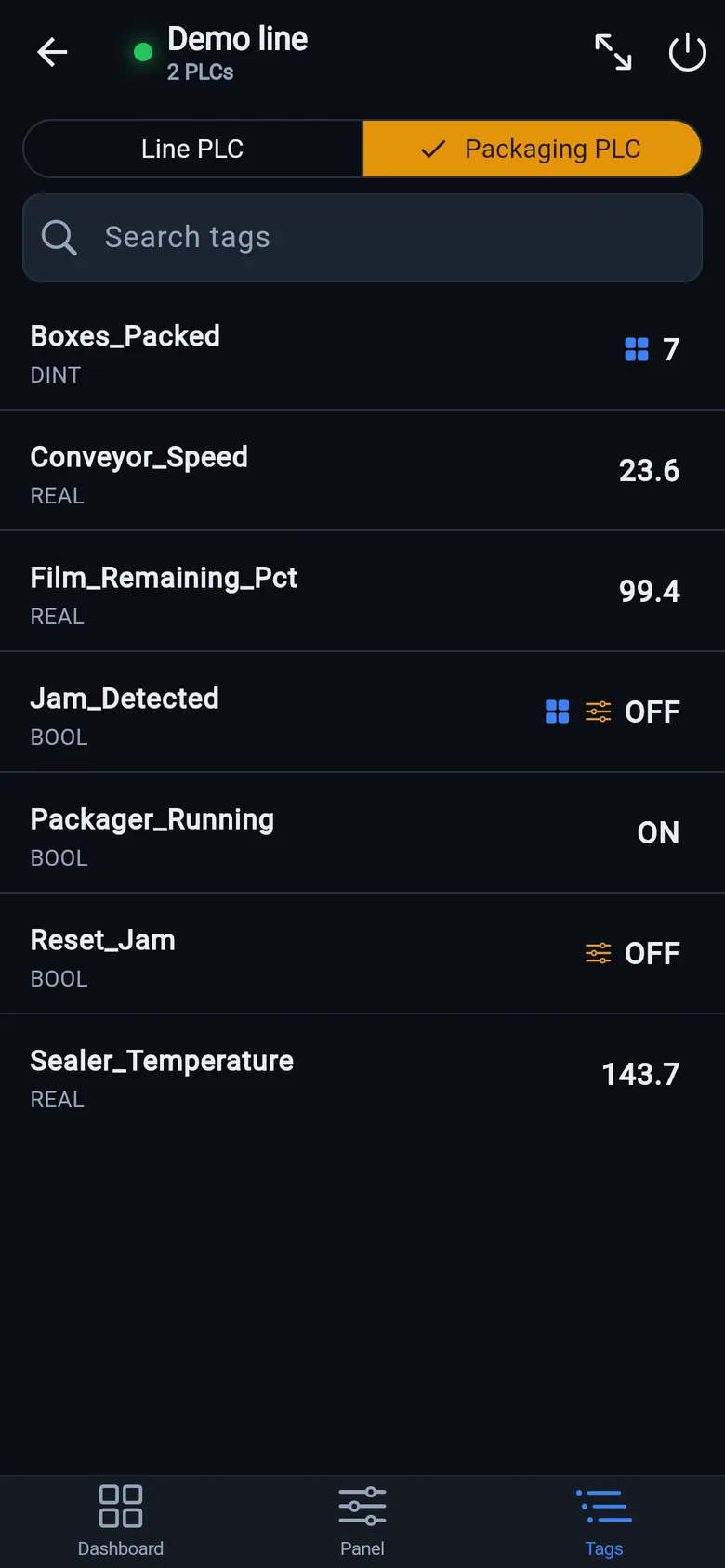
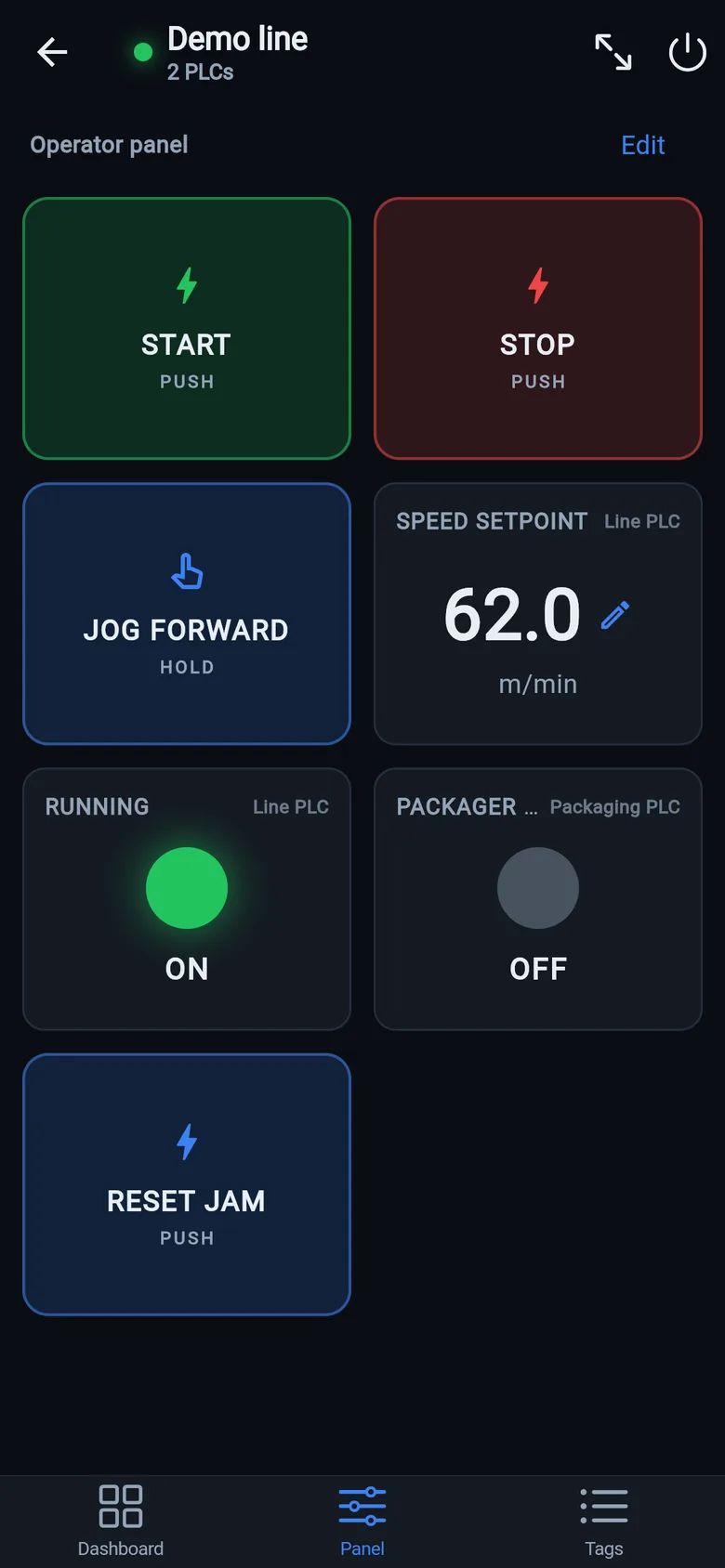
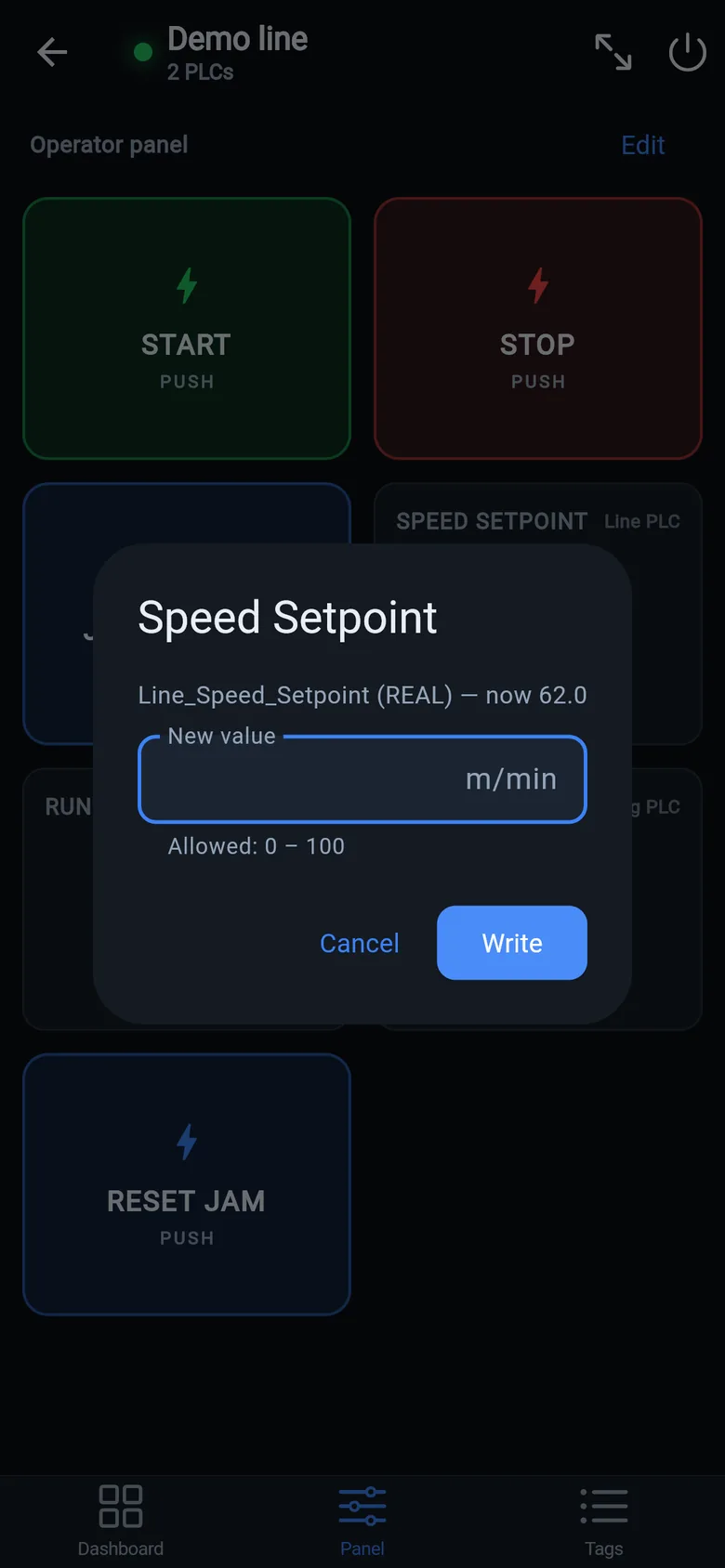
A temporary screen in minutes
Zero-config tag browser for Logix, drag-and-drop dashboard, operator panel, alarms — no changes to the PLC logic.
 On a desktop? Scan with your iPhone or iPad to get the free app.
For the machine itself: LineKeeper On is a self-contained 7″ or 10″ touchscreen built to stand on the machine while the replacement panel is repaired or shipped — the same drag-and-drop screens, plus what a phone shouldn't carry:
- Live view of every mapped tag, refreshed twice a second — plus per-tag unlocked writes, confirmed and audit-logged
- Operator panel: start/stop, indicators, setpoints — hold-to-run releases when your finger lifts (not a safety function)
- Stays useful after the repair: data logging, dashboards, machine diagnostics
Small hardware that helps while the panel is out: a Wi-Fi bridge or a USB-C Ethernet adapter to get the phone onto the machine network, a pole-mount arm for the temporary screen, an IP67 box for the bridge. What each one is for, and when you don't need it, is on the gear list.