The ten-minute setup
- Hardware: a travel-router-class device in AP mode (the GL.iNet Opal in the gear list below is the usual suspect) or an industrial AP if the budget allows. Plug its LAN side into a spare port on the machine's switch.
- SSID: machine-local, WPA2/WPA3, a real password — not the machine name, not 12345678.
- Addresses: give the AP a static IP in the machine subnet and let the phone get one via the AP's DHCP inside that subnet — or set it manually. Now the phone sees the PLC like any other node.
- Label it. The next engineer should find "MACHINE-7 Wi-Fi, local only, no internet" on the AP, not a mystery antenna in the cabinet.
The security lines you don't cross
- Never bridge the machine network to plant/guest Wi-Fi or the office LAN "just for convenience" — that's how a phone-charging visitor ends up on the same subnet as your PLC. The AP serves its own local SSID and routes nowhere.
- Never port-forward a PLC to the internet. Internet-exposed PLCs are enumerated by search engines within days. Remote access is a VPN set up with IT — that's the whole answer, there is no safe shortcut.
- Wi-Fi is for eyes and setpoints, not control loops. Cyclic I/O and motion stay on copper; a roaming phone that drops for two seconds must never matter to the machine.
What you can do once you're on
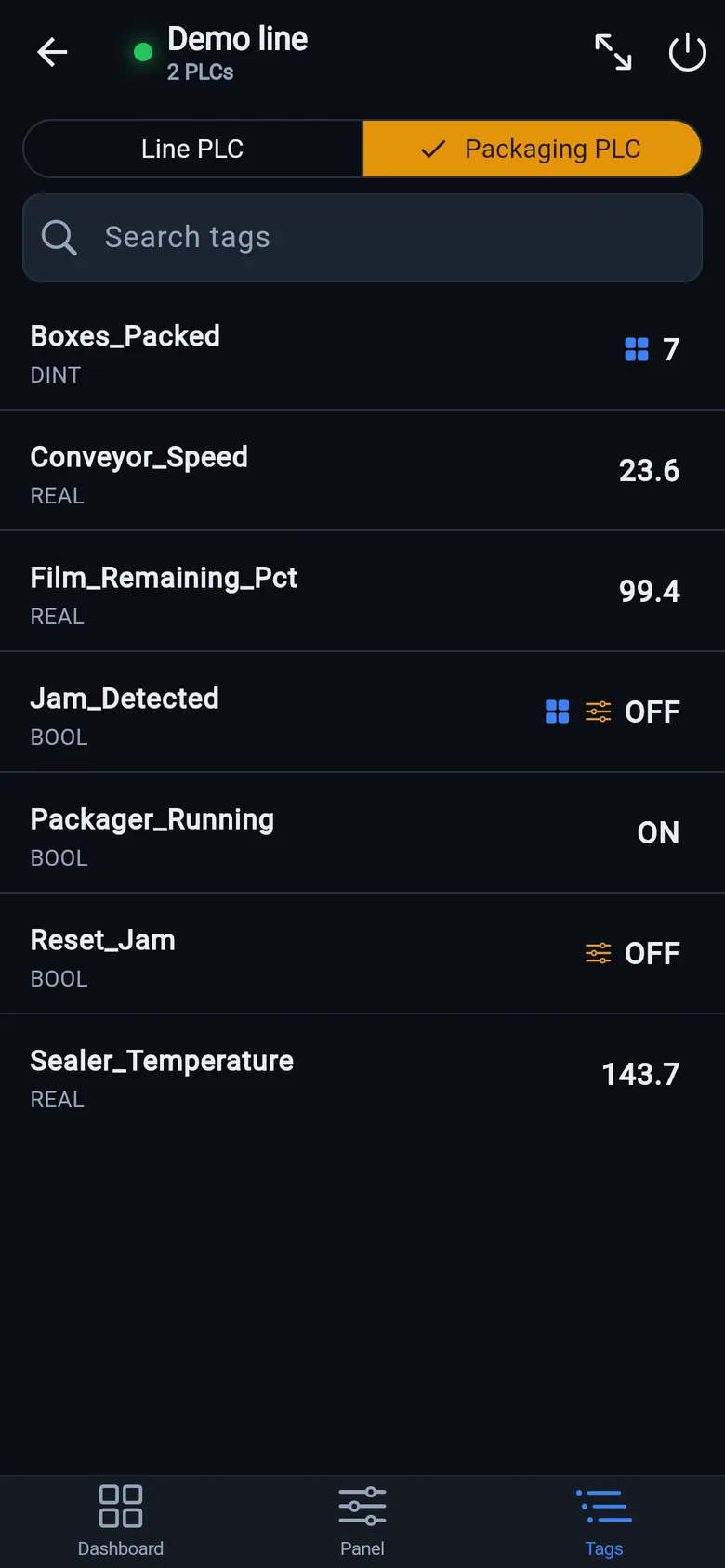
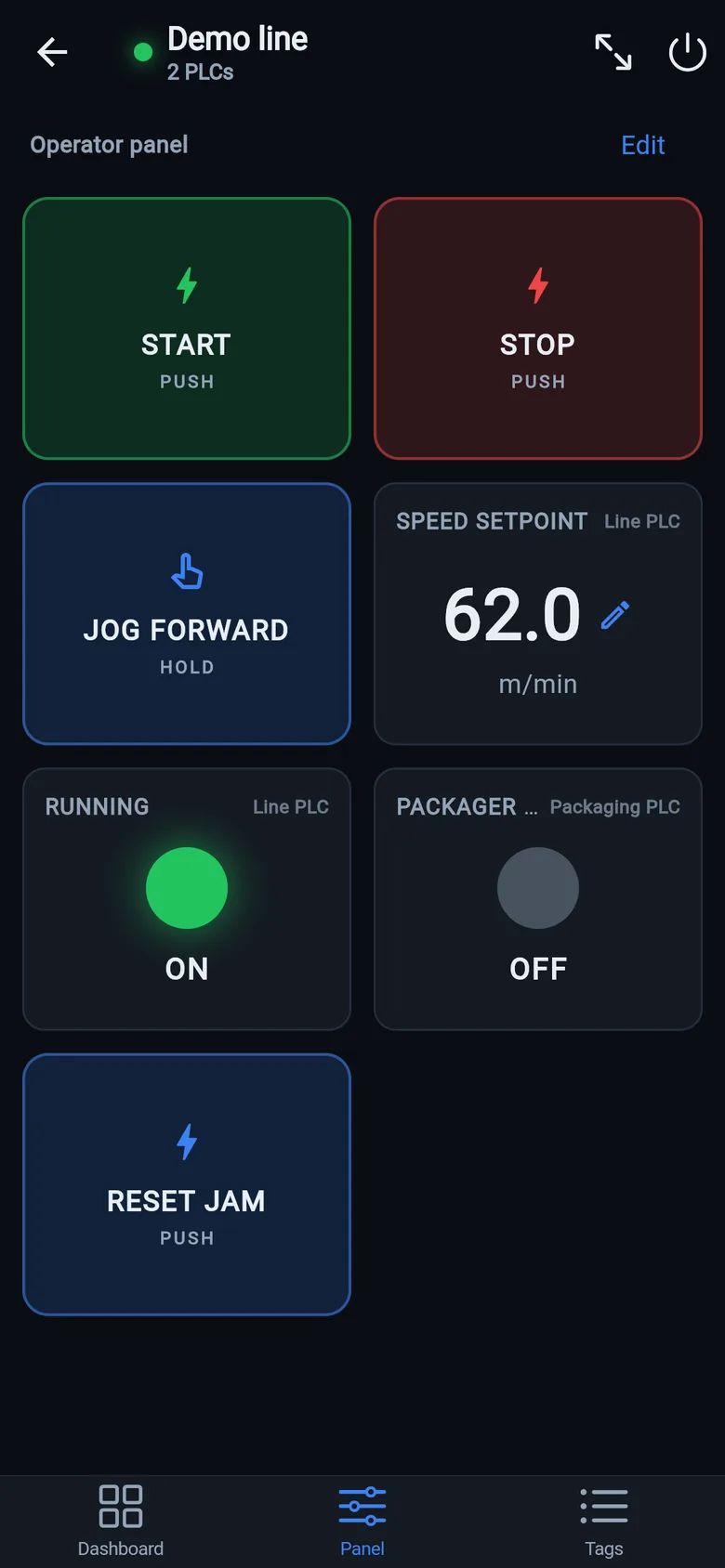
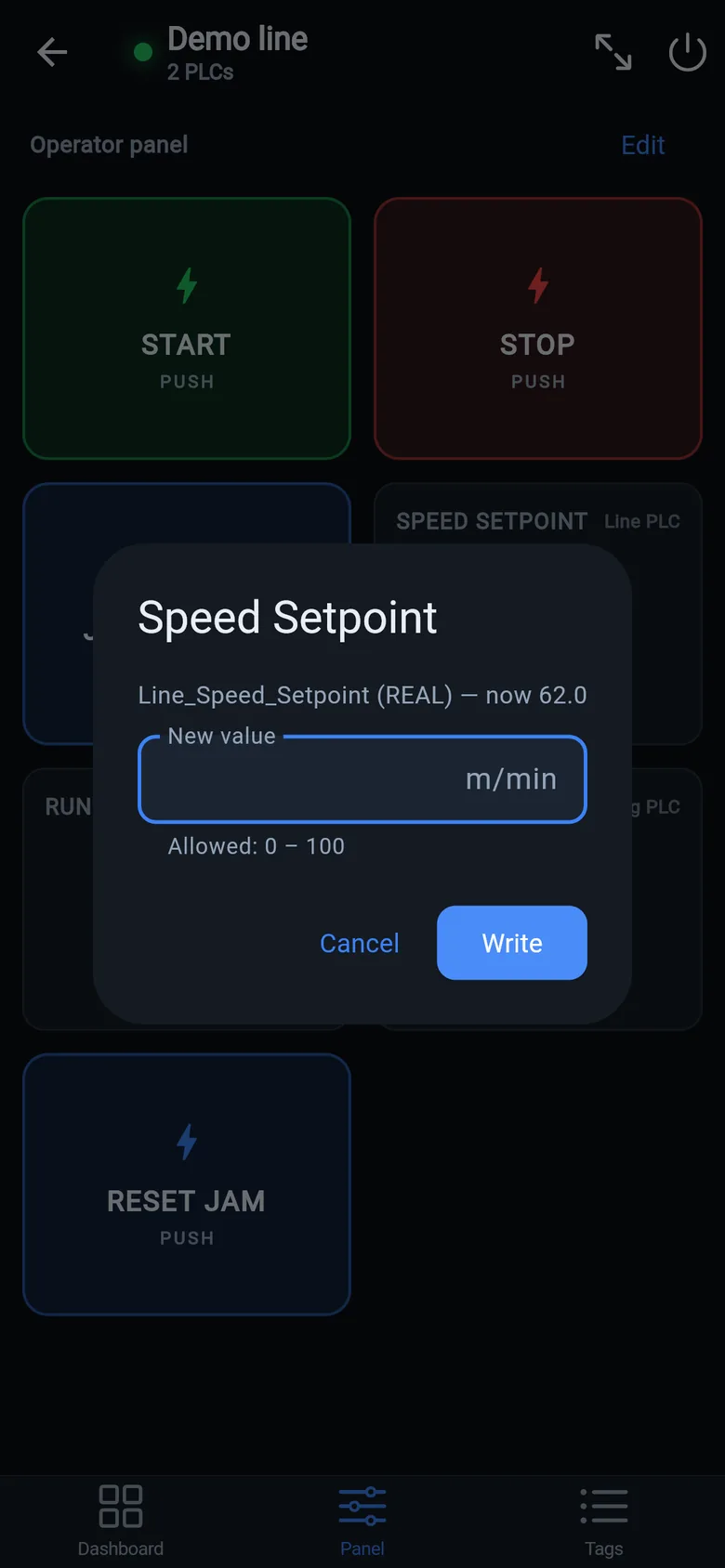
With the phone on the machine subnet, the free LineKeeper Go reads the PLC directly: EtherNet/IP Logix controllers hand over their whole tag list automatically (no Studio 5000 needed), Siemens S7 and Modbus TCP devices connect with the addresses you care about. That covers commissioning walks (watch the sensor while standing at the sensor), isolation tests ("can anything see the PLC?"), and the temporary-operator-screen role when a panel dies. Writes are a one-time unlock with range checks and confirmation on every value.
A temporary screen in minutes
Zero-config tag browser for Logix, drag-and-drop dashboard, operator panel, alarms — no changes to the PLC logic.
 On a desktop? Scan with your iPhone or iPad to get the free app.
For the machine itself: LineKeeper On is a self-contained 7″ or 10″ touchscreen built to stand on the machine while the replacement panel is repaired or shipped — the same drag-and-drop screens, plus what a phone shouldn't carry:
- Live view of every mapped tag, refreshed twice a second — plus per-tag unlocked writes, confirmed and audit-logged
- Operator panel: start/stop, indicators, setpoints — hold-to-run releases when your finger lifts (not a safety function)
- Stays useful after the repair: data logging, dashboards, machine diagnostics
Small hardware that helps while the panel is out: a Wi-Fi bridge or a USB-C Ethernet adapter to get the phone onto the machine network, a pole-mount arm for the temporary screen, an IP67 box for the bridge. What each one is for, and when you don't need it, is on the gear list.